Setup Procedures iTherm
®
280 Programmer’s Guide
Page 48 Rev C 28-07764
OPOS driver
An OPOS driver is an implementation of the UnifiedPOS (UPOS) specification.
It provides an application interface for retail devices such as a POS printer, scanner,
cash drawer, pole display, MICR, scale, or others.
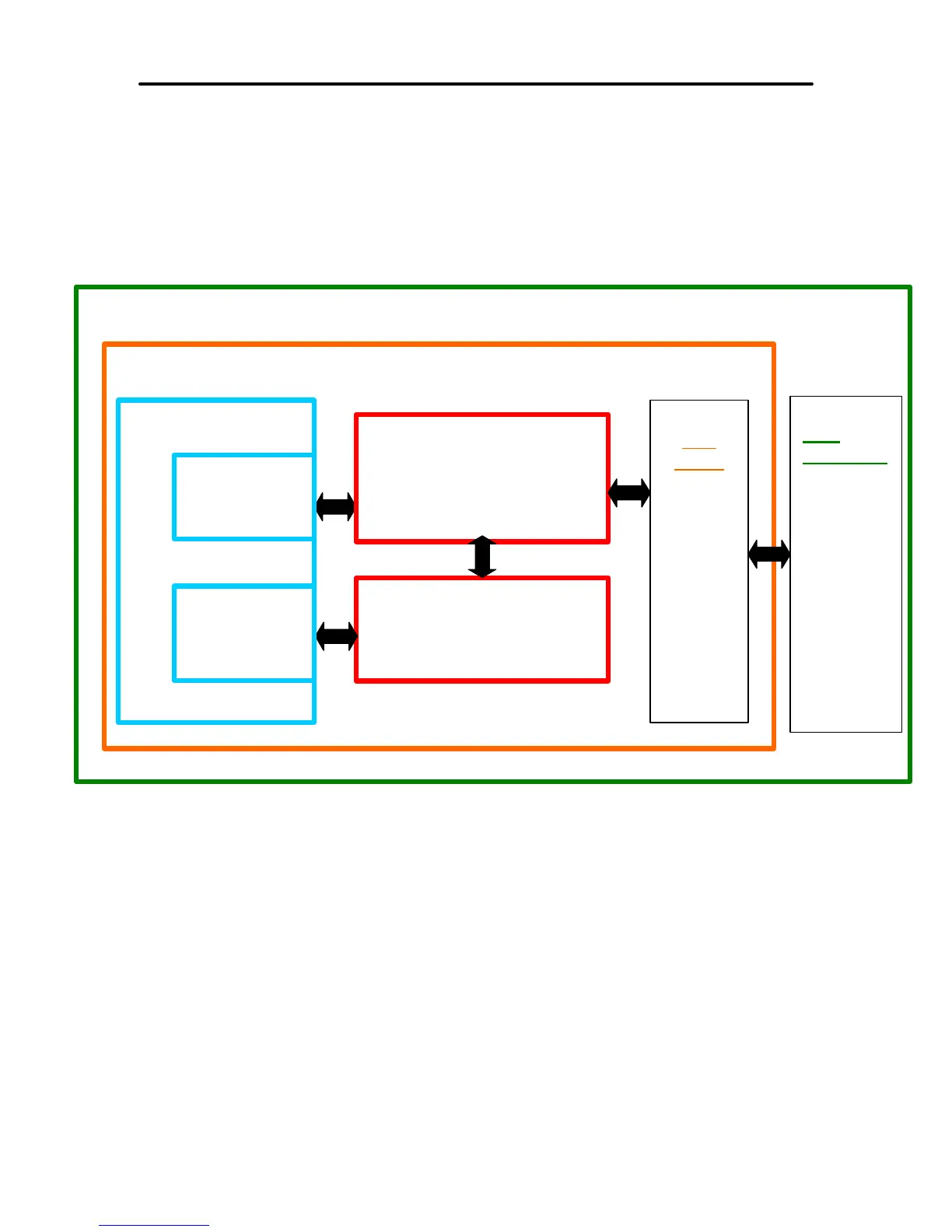
Figure 6 OPOS or UPOS
When to use an OPOS driver:
When an application is written that invokes the retail device functions based on the
UPOS specification, in a vendor independent manner, OPOS can be used on the
Microsoft Windows platform. It allows access to all the features of a retail device without
having to deal with specific device commands. It also allows information to be retrieved
from the retail device.
When not to use an OPOS driver:
When the application is written using the Windows print API, and device specific
commands are sent directly through the application to the device.
Window’s Operating System
POS Application
OPOS POSPrinter Driver
Port
Driver
Serial
OR
Parallel
OR
USB
OR
Other
Port
Hardware
Serial
OR
Parallel
OR
USB bus.
OR
Other
OPOS Cash
Drawer Driver
OPOS Printer
Control (ActiveX)
OPOS Cash
Drawer Control
(ActiveX)



 To Next Page