iTherm
®
280 Programmer’s Guide Programming Codes
28-07764 Rev C Page 199
Function Select Print Mode(s)
ASCII [ESC] ! <n>
Hexadecimal 1BH 21H <n>
Decimal <27> <33> <n>
Range 0 ≤ n ≤ 255
Description The [ESC] ! <n> command selects print modes using <n> as follows. The default
character font is 7 x 9. The defaults for the other print modes are set to <n> = 1.
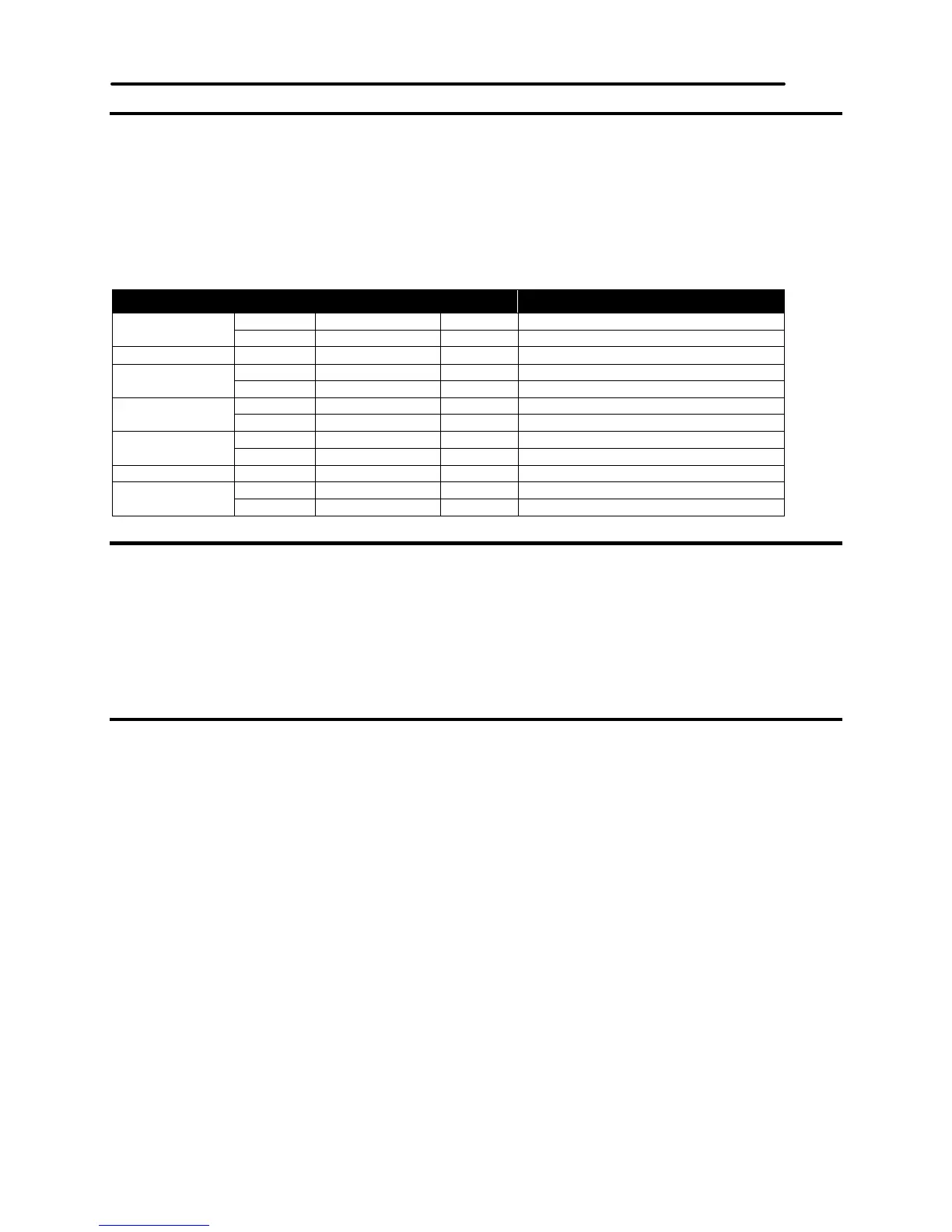
Bit Off/On Hexadecimal Decimal Function
0 Off 00H <0> Select 9 x 9 character font.
On 01H <1> Select 7 x 9 character font.
1,2 - - - Undefined
3 Off 00H <0> Emphasized mode is not selected.
On 08H <8> Emphasized mode is selected.
4 Off 00H <0> Double-height mode is not selected.
On 10H <16> Double-height mode is selected.
5 Off 00H <0> Double-wide mode is not selected.
On 20H <32> Double-wide mode is selected.
6 - - - Undefined
7 Off 00H <0> Underline mode is not selected.
On 80H <128> Underline mode is selected.
Table 23 Print Modes
Function Turn ON/OFF Underline Mode
ASCII [ESC] - <n>
Hexadecimal 1BH 2DH <n>
Decimal <27> <45> <n>
Range <n> = 0, 1, 48, 49
Description The [ESC] - <n> command turns on or off underline mode. When <n> = 1 or 49,
underline mode is turned on, and when <n> = 0 or 48, underline mode is turned
off. The default setting is <n> = 0.
Function Turn ON/OFF Emphasized Mode
ASCII [ESC] E <n>
Hexadecimal 1BH 45H <n>
Decimal <27> <69> <n>
Range 0 ≤ n ≤ 255
Description The [ESC] E <n> command turns on or off emphasized mode. When the least
significant bit (LSB) of <n> = 1, emphasized mode is turned on; when it is 0,
emphasized mode is turned off. The default setting is <n> = 0. Emphasized and
double-strike printing appear the same.



 To Next Page