User manual
IU_M710P_MANUAL_05i00_ENG Strona 13 z 36
3.2. Menu
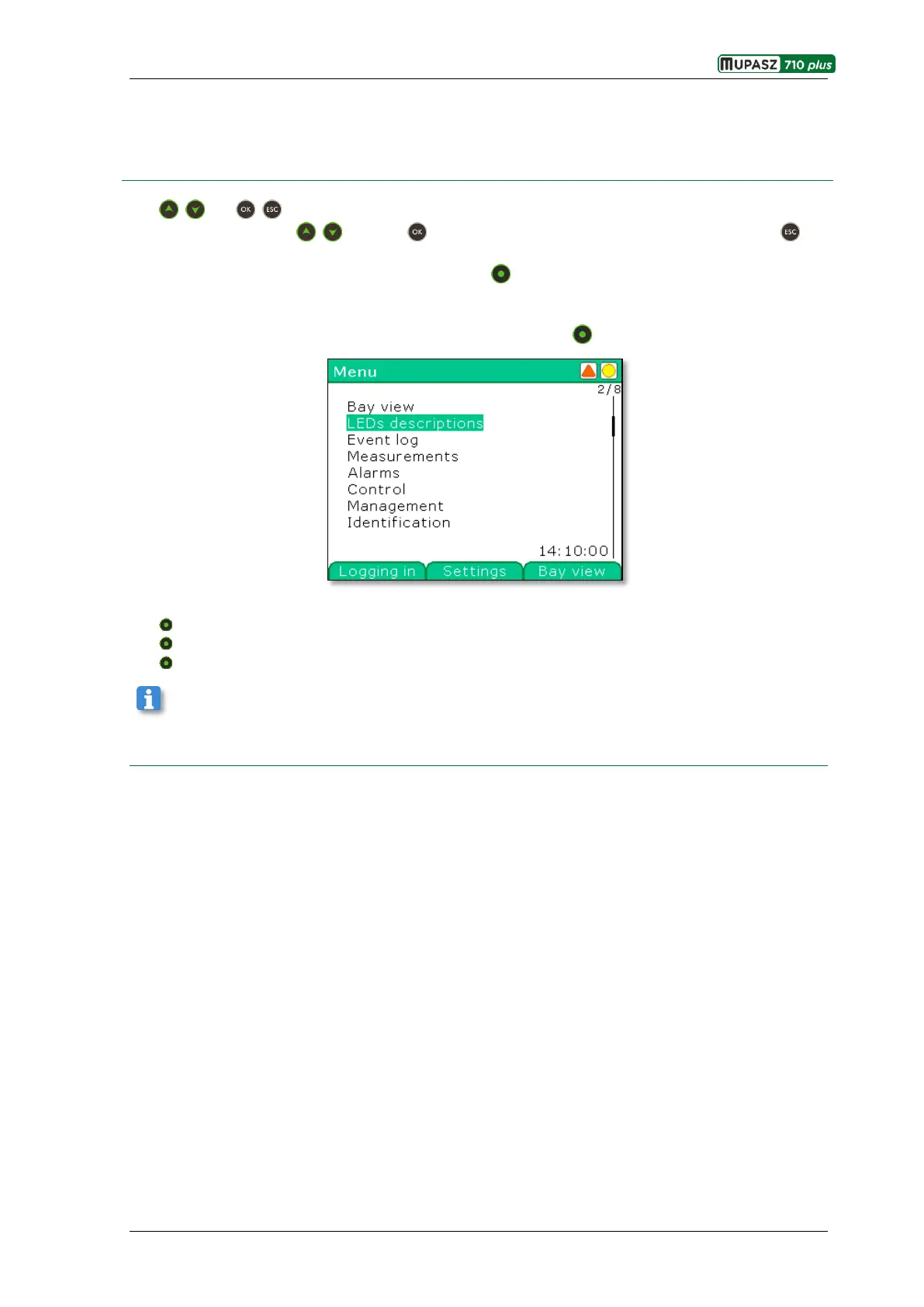
The , and , keys are used to navigate around the device menu. In order to reach destination one
should navigate using the , keys. The key is used to accept entering the selected branch. The key
allows moving one level up in the menu tree.
For quick moving to selected windows or branches the context keys are used. Their current meaning id
displayed in the bottom line.
For example in order to move from the main window to the Logging window the following path should be
followed: Menu > Management > Monitoring > Logging or to use the Logging context key.
The context key in the main window are used for:
the left one – moving to the user Logging window,
the Middle one - moving to the parameter Configuration window,
the right one - moving to the Bay view window.
The right hand side context key is used for navigating through all widows listed in the main menu
starting from the Bay view window and ending in the Identification window.



 To Next Page