User manual
Strona 26 z 36 IU_M710P_MANUAL_05i00_ENG
3.10. Identification
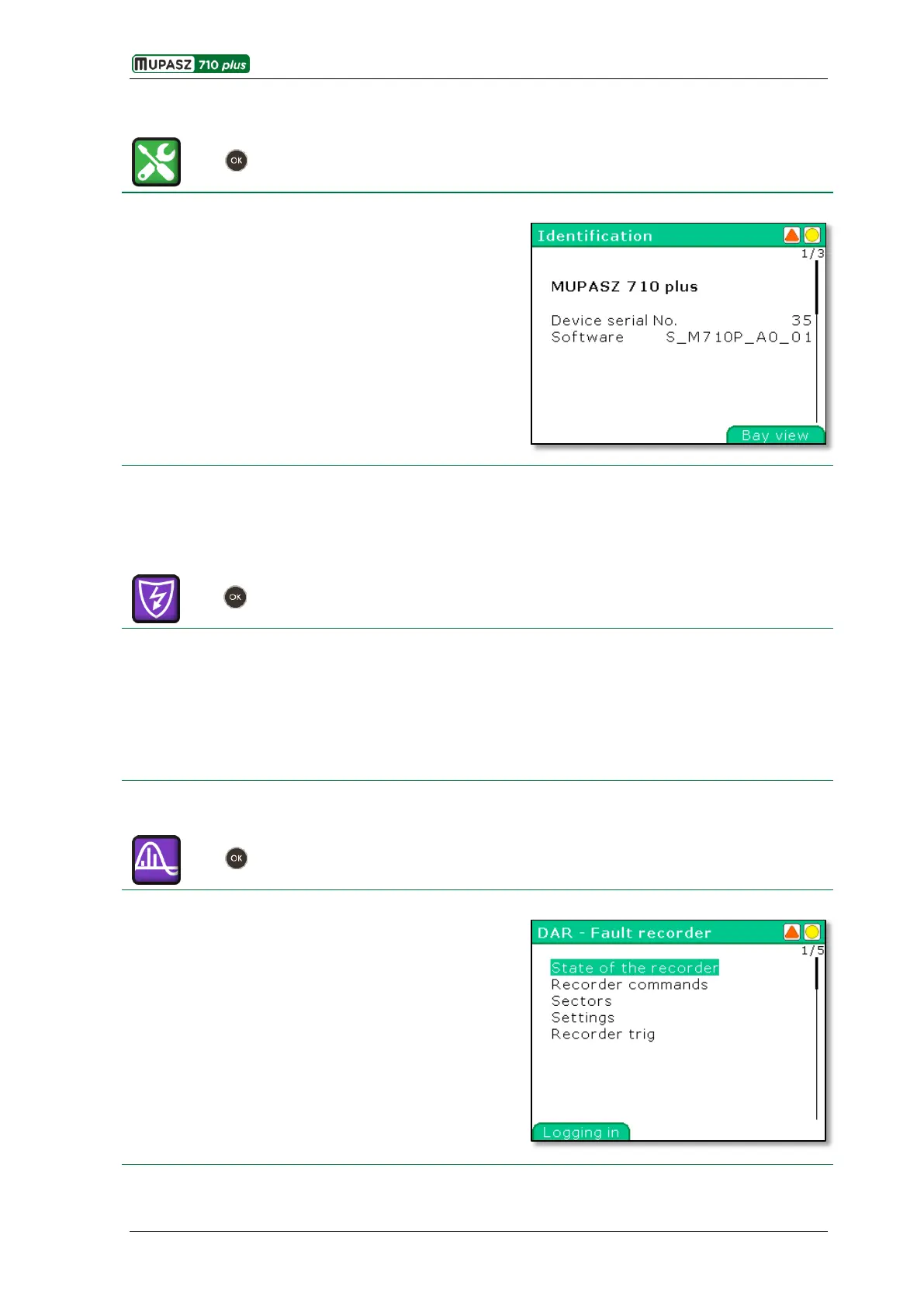
In the exemplary Identification window there are displayed
all parameters identifying device hardware and software:
name – MUPASZ 710 plus,
serial number - 35
software version – S_M710P_A0_01.
In succeeding windows aggregated information relating bay
state is displayed, such as main switch state, control mode,
active set of settings and address data.
3.11. Extensions
3.11.1. AI >>> - Autonomous independent overcurrent protection
Menu > Management > Settings > Settings X > Current > AI >>>
AI >>> is an independent circuit for „protection of objects against current faults when the protective device
is not powered". Energy for powering the circuit is harvested from the current transformers. AI >>>
cooperates with low voltage CB trip coils, what ensures CB opening even when no auxiliary supply is available
in the switchgear. Breaking current is also monitored and in case the maximum allowable local switch
breaking current is exceeded the open command is issued to the CB in the upper switchgear.
More information in IU_M710P_ALGORITHMS_XXiXX.
3.11.2. DAR – Fault recorder
Menu > Management > Extensions > DAR – Fault recorder
The fault recorder application is used to record analog and
digital signals with sampling frequency 2 kHz. The user can
configure the number of registered signals, recording time
before triggering, cause of the start of recording (binary
inputs, binary outputs, digital signals from algorithms or
programmable logic and increasing or decreasing values of
analog signals).
The DAR - Fault recorder window allows the user to
manage the work of a recorder. In particular it allows to
trigger the recorder from the user interface.
For details, refer to the “Fault Recorder User Manual”.



 To Next Page