User manual
IU_M710P_MANUAL_05i00_ENG Strona 19 z 36
3.8.3. Switches
Menu > Control > Switches
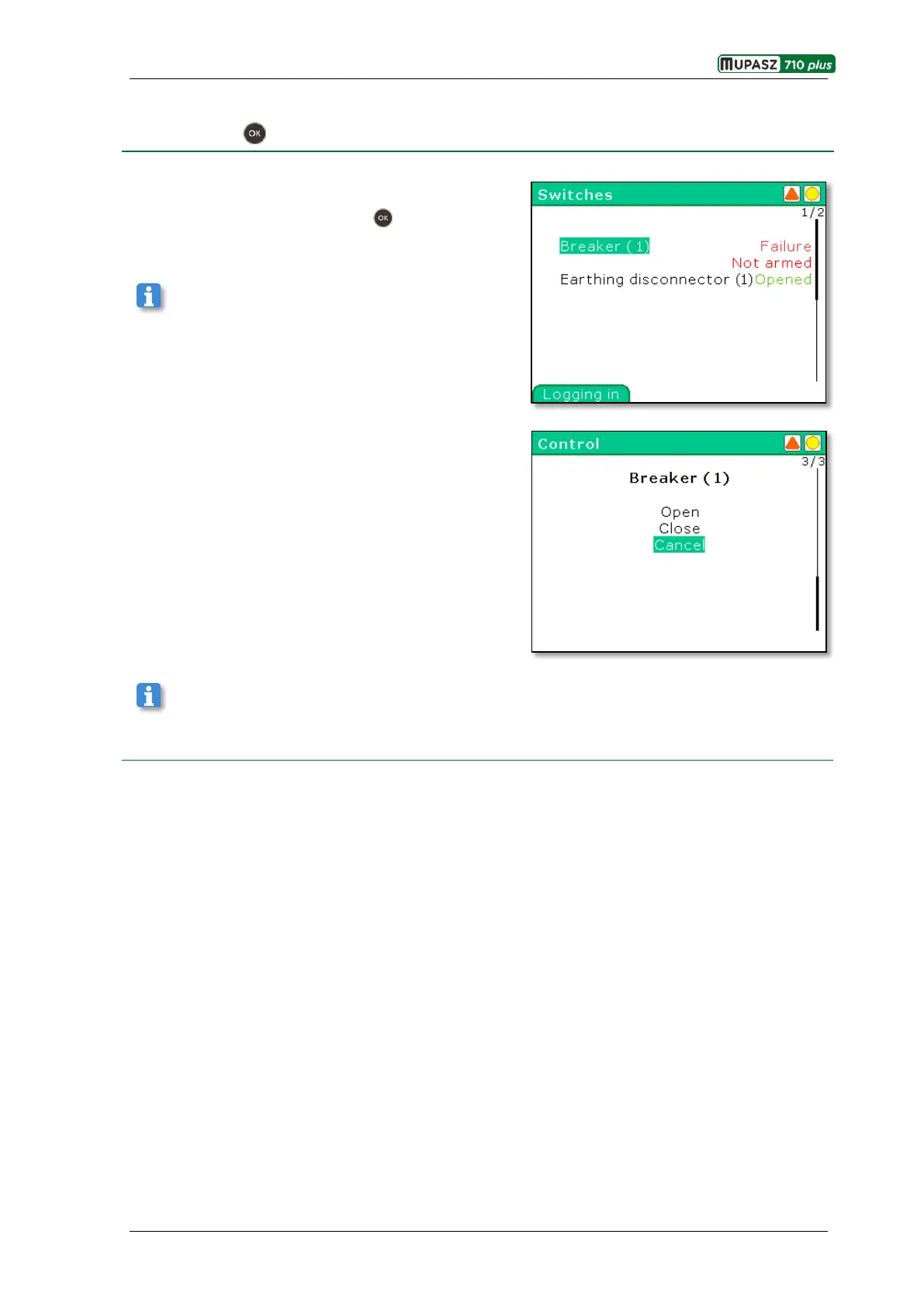
In this window all switches included in the device active
profile and their states are displayed. After selection of a
particular switch and pressing the key the Control
window opens.
In case the selected switch is not intended for control
via the interface the message Lack of control is displayed.
If the selected operation is allowable it will be executed
and the Switches window will return. Additionally,
a relevant event will be logged in the Event log.
In order for the operation selected from the Switches submenu to be executed the control mode Local or
Local and remote must be selected.



 To Next Page