Start up
6 720 802 419 (2012/06) en
41
12 Start up
The first time the heat pump is started, a number of settings are
displayed automatically so as to facilitate putting it in operation.
Before this stage, the heat pump should be installed in accordance with
the previous sections (Æ Chapter 9 ,
Æ Chapter 10 ). Collector circuits, heating circuits and hot water
circuits should be filled and vented.
The settings are also available under ordinary installer menus.
Language, Country, Operating mode and Electrical connection
B Select language for the menus of the control unit
(Æ Chapter 16.10 ).
B Select Country (Æ Chapter 16.10 ).
B Select operating mode (L/W + electric additional heat)
(Æ Chapter 4.4 , Æ Chapter 16.7 ).
B Select Electrical connection (230V).
Start-up
Review and adjust, as required, the functions below. See the references
for description of the functions.
B Set Hot water production for each heat pump (compressor) (Æ
Chapter 16.2 ).
B Set the heat pump output for each heat pump in Heat pump x
capacity (Æ Chapter 16.7 ). See the type plate.
B Output limitation electric heater in compressor mode.
Set the permitted output at the same time as the compressor is
operating (Æ Chapter 16.8 ).
B Output limitation electric heater when additional heat only.
Set the permitted output when the compressor is not operating (Æ
Chapter 16.8 ).
B Set Minimum outdoor temperature (Æ Chapter 16.1 ).
B Specify if Groundwater is used.
B Set Circuit 1 Heating\ Type of heating system (Æ Chapter 16.1 ).
B Set Circuit 1 Cooling (if Cooling installed, option), see the option
documentation.
B
Set Circuit 2, 3... (Æ Chapter 16.1 )(option).
– Mixing valve mode
– Type of heating system
– Mixing valve running time
B Select option in Protective anode installed (Æ Chapter 16.2 ).
B Set value for Pool (if pool function is installed), see option
documentation.
B Set Date (Æ Chapter 16.10 ).
B Set Time (Æ Chapter 16.10 ).
B Start-up completed, Yes/No.
The start-up menus will be available until Yes is specified.
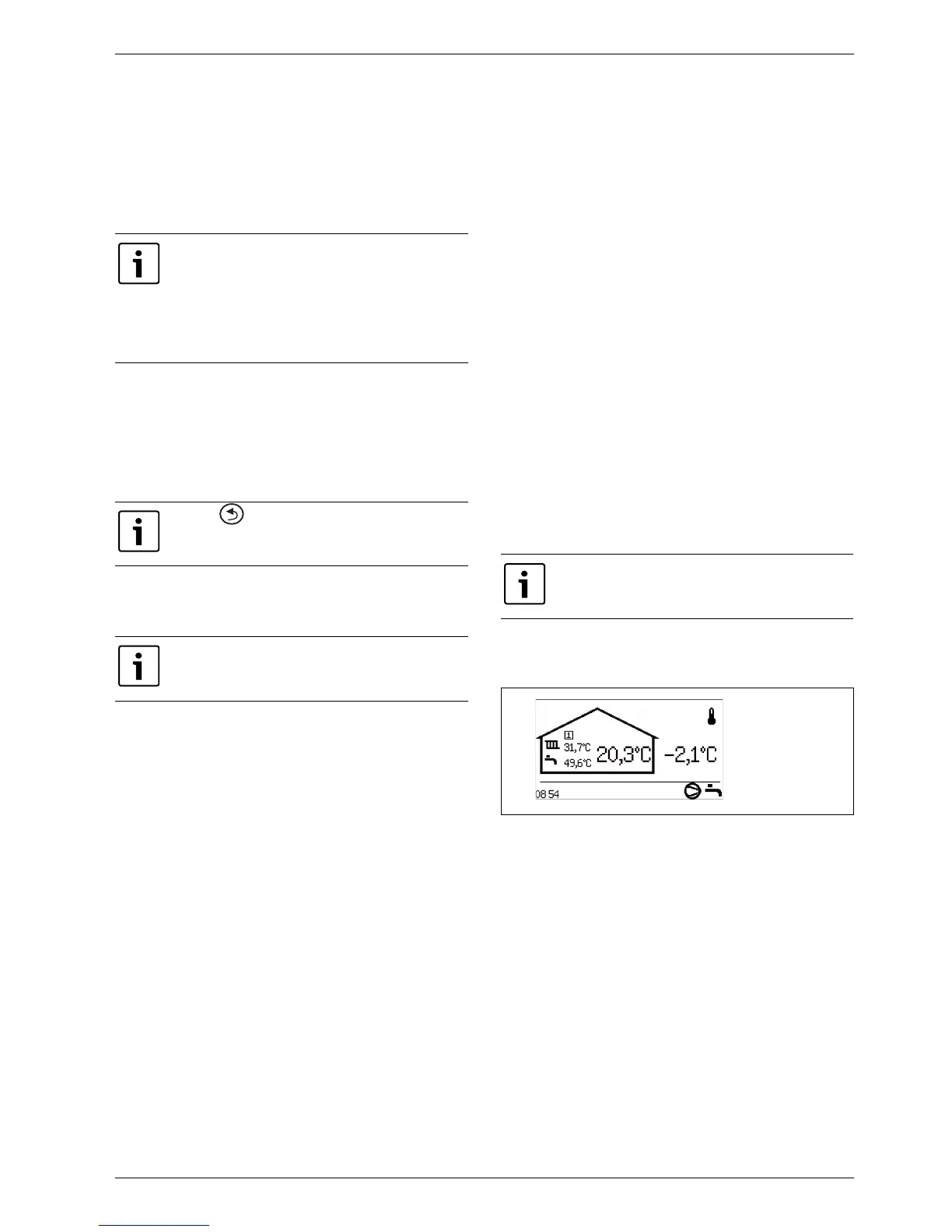
After the start-up menus, the Initial menu is shown in the display. All
customer functions are accessible from this menu, whereas the installer
menus are accessible only after change of access level.
Fig. 40 Starting position
Only functions which are identified by the control unit
are displayed in the initial menu.
The start-up menus are available until Yes is entered in
Start-up completed.
B Read the complete menus before start-up.
B A selection must be made in Heat pump x capacity
and Protective anode installed.
With the -button, reinstate the selection that
applied to Language, Country, Operating mode or
Electrical connection prior to or during Start-up.
The selected system solution would normally require a
review of more settings than the ones in the start-up.
Under Protective anode installed make the
appropriate selection to prevent unnecessary alarm
messages.
6 720 614 789-01.1I



 To Next Page