Operation Manual – ITW GSE 7400 Battery Powered GPU
90 kVA
Operator’s Instructions
Document No. 575.410DB Page 56 of 195
6.3 Operating the Unit
Press the On/Off button to power up the GPU if it is not already under power.
Insert the aircraft cable/plug into the aircraft. Make sure the plug is fully inserted until you feel
a natural resistance. The plug may be equipped with a 90% switch/split “F” pin. If so, the unit
will not function if the plug is not fully inserted.
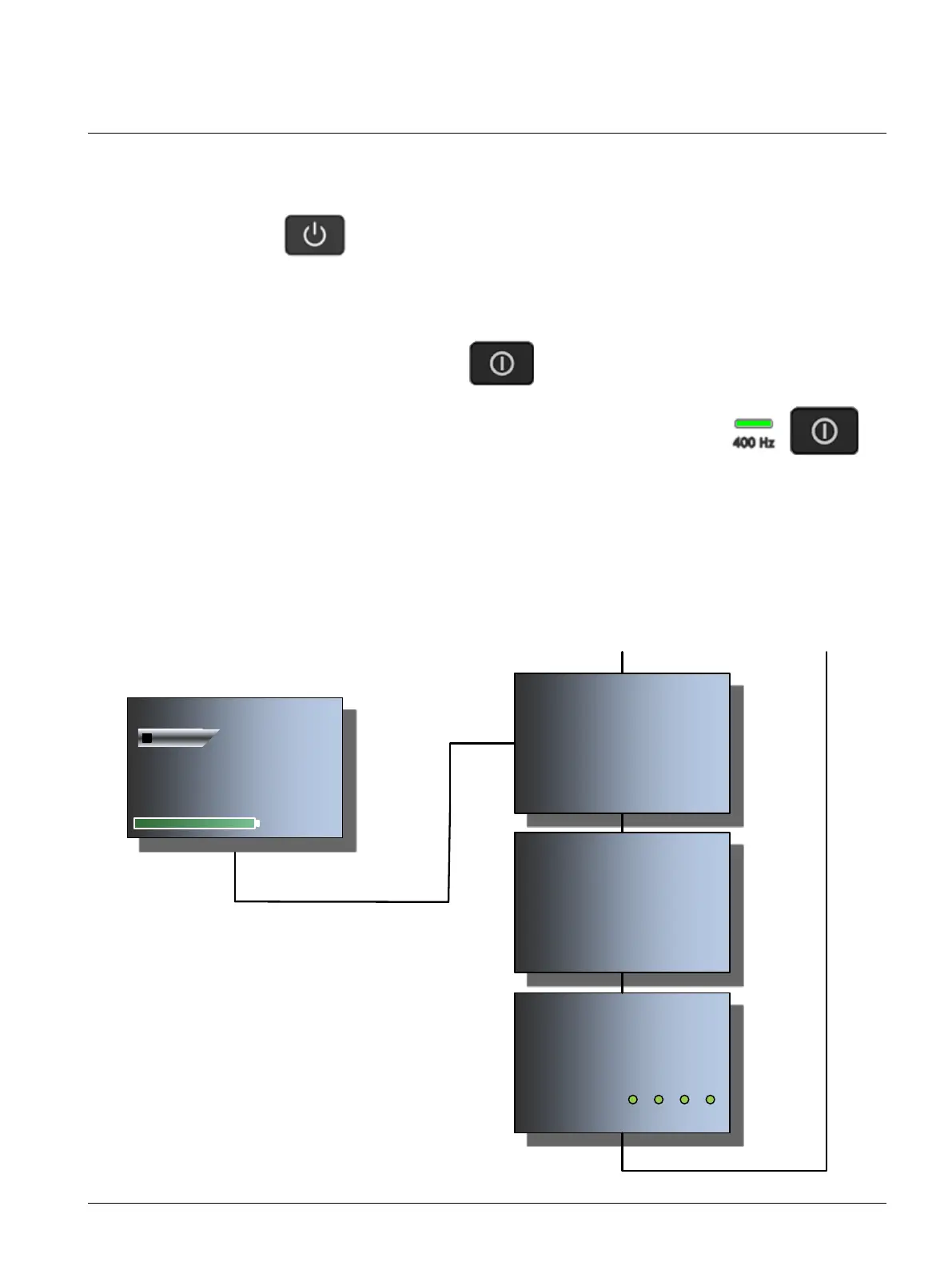
After initializing, press the corresponding to start the unit.
The unit is now in operation and ready to supply the aircraft with power.
Indicated with the green LED located next to the Start/Stop button.
If the unit shuts off and is no longer supplying power to the aircraft, this will be reported in
clear text on the display. A corrective action will also be displayed.
From the default display screen, and during operation, various parameters can be viewed via
the display. Use the navigation keys ▼▲ to browse through the available screens:
Default Display Screen, Standby
OUTPUT U I
Phase A: 0.0 V < 20 A
Phase B: 0.0 V < 20 A
Phase C: 0.0 V < 20 A
Average: 0.0 V < 20 A
Back / Next/Prev
POWER P S
Phase A: < 1 kW < 1 kVA
Phase B: < 1 kW < 1 kVA
Phase C: < 1 kW < 1 kVA
Sum: < 3 kW < 3 kVA
Back / Next/Prev
Use the / to browse through the various
screens.
Use to leave the submenu and return to default
screen.
Note
Parameters may vary depending on the unit mode
(standby, operating, load profile, etc.).
12:55.21 24-09-2018
Ready For Use
96% 230 Min.
400 Hz I:
BATTERY SYSTEM
Voltage: 407 V
Current: 0 A
State of Charge: 96.2 %
Batteries Active: 1: 2: 3: 4:
Back / Next/Prev



 To Next Page