Operation Manual – ITW GSE 7400 Battery Powered GPU
90 kVA
Operator’s Instructions
Document No. 575.410DB Page 80 of 195
6.5.7 Incompatible Software Version / Wrong Software
If you try to install Special Software / Change Board (for the display board or control card) on a unit
with Standard Software or vice versa, the error “Incompatible Software Version” / “Wrong
xxxxxx Software” will be displayed.
Before changing software versions, consult ITW GSE. Alternatively, if you intend to proceed
because you have already contacted or received the software files from ITW GSE, use the
guidelines below to update the software:
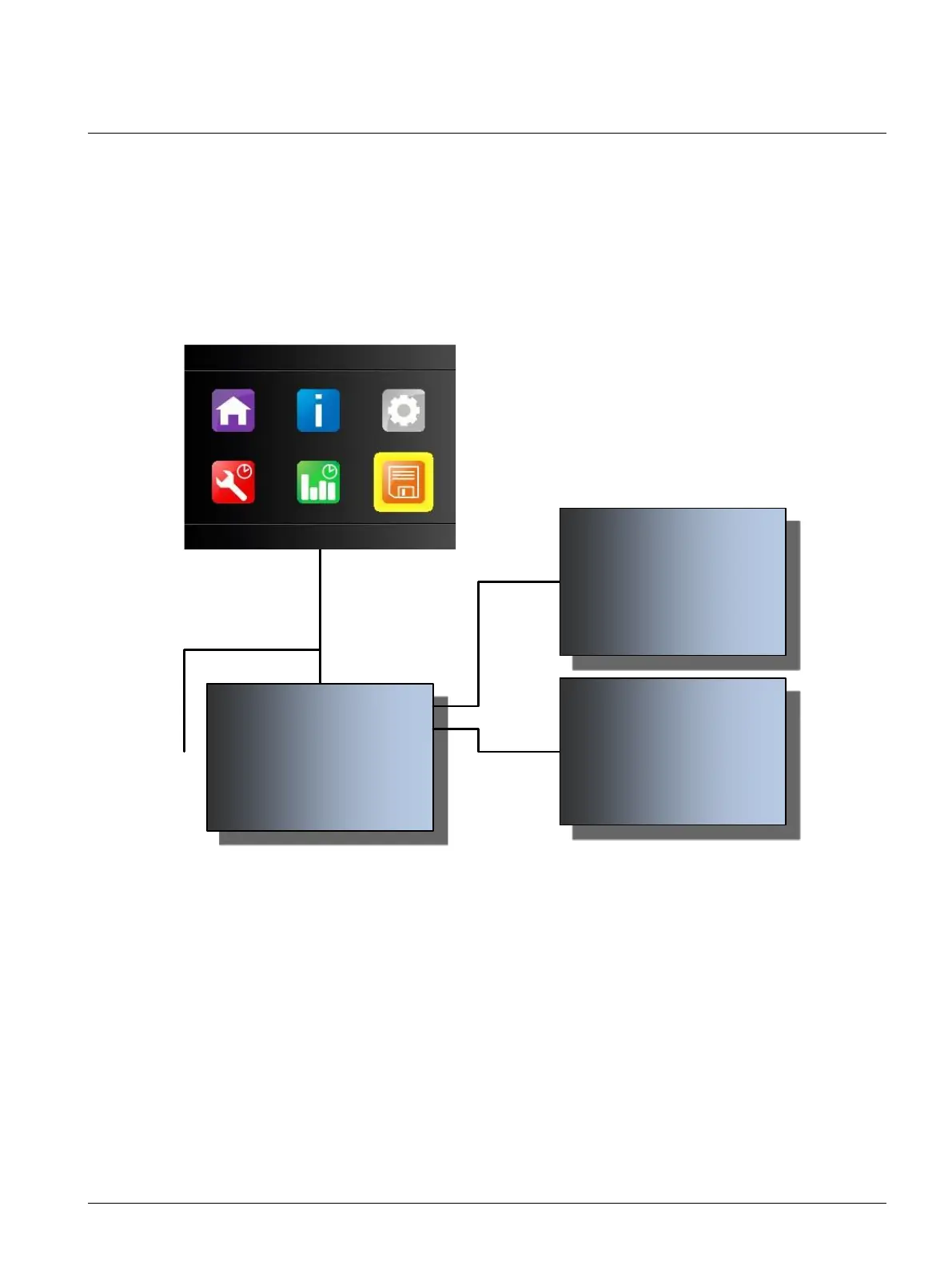
1. Press ▼and▲ simultaneously for 5 seconds. The software will start automatically and will be
updated.
2. Repeat Step 1 to update the other board or card.
or
10:30:00 USB MENU 24/09/2019
Update Display Software
Update Control Card Software
Save Logs
Load Config File
Back Select
10:30:00 24/09/2019
Incompatible Software Version
Please follow instructions from your ITW
GSE representative
Back
10:30:00 24/09/2019
Incompatible Software Version
Please follow instructions from your ITW
GSE representative
Back



 To Next Page