Document No. 575.410DB Page 76 of 195
10:30:00 USB MENU 24/09/2019
Update Display Software
Update Control Card Software
Save Logs
Load C onfig File
Back Select
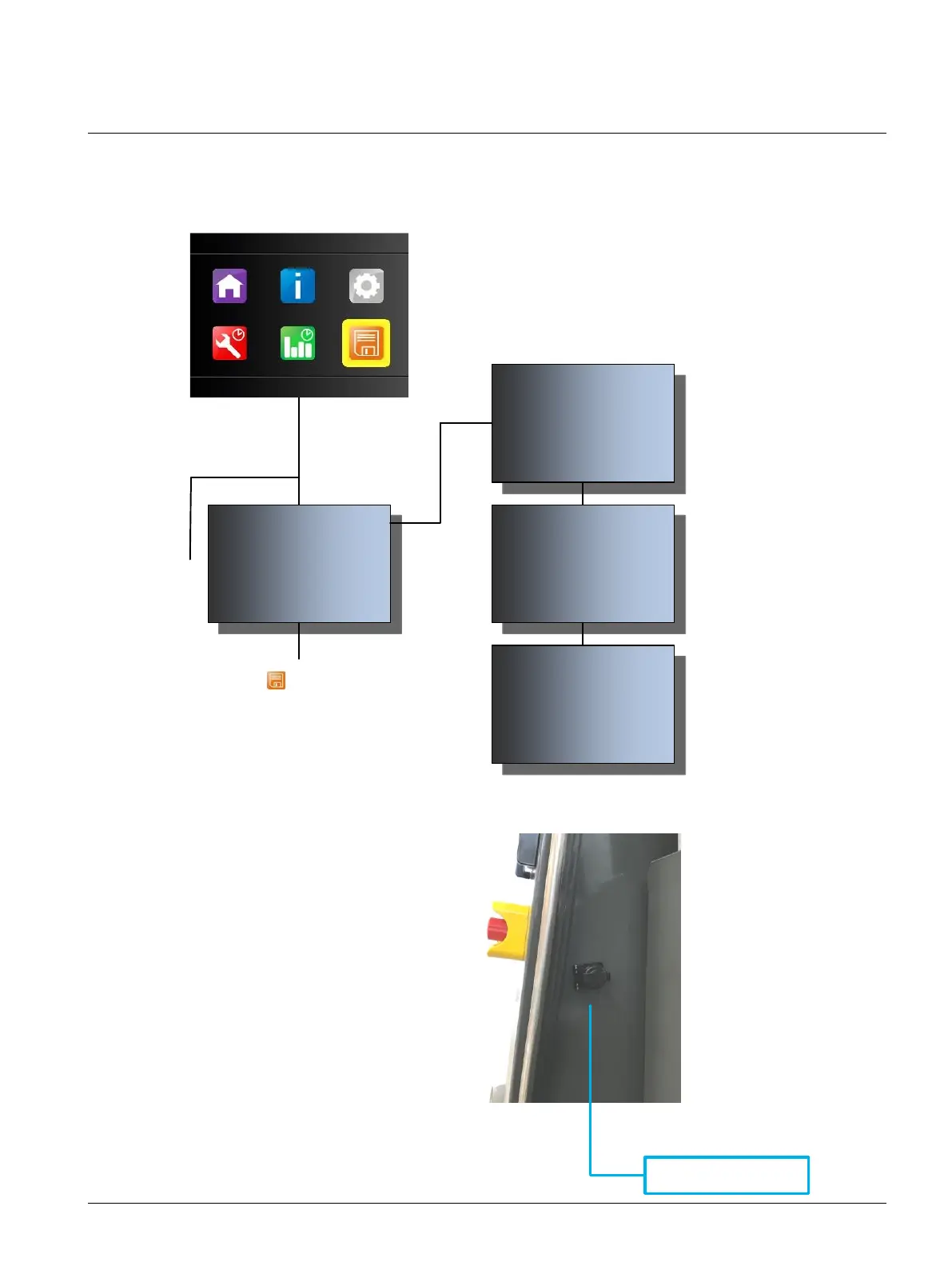
Highlight the by using the navigation
keys.
Press to select USB Menusubmenu.
The default, green highlighted function is:
Update Display Softwareotherwise use the
/to highlight the function Update Display
Software.
Insert a USB stick into the USB port from
display (located 400 Hz compartment).
Press to select function and update
firmware.
The firmware is now being uploaded to the
display card. The upload percentage will
count from 0% to 100% and Update
Complete! Please Resetwill be displayed
when the update is complete.
To reset the unit, press the button
10:30:00 USB MENU 24/09/2019
Update in Progress!
Please Wait. Swapping Flash Blocks
0%
10:30:00 USB MENU 24/09/2019
Update in Progress!
Update Complete! Please Reset!
100%
Press To Reset Display
USB Connection Display
10:30:00 USB MENU 24/09/2019
Update in Progress!
Do not turn off or reset during update!
1%



 To Next Page