28
– Check the ingot or program selection
– Observe the “sprueing and investment guidelines” according to
the instructions for use of the material
– Check whether the investment ring was placed in the center or
whether the firing plate is clean or the size of the Alox plunger is
correct and the plunger clean
– Check the press plunger for cracks or correct fixation and whether
the firing plate is contaminated or fractured
– Otherwise, possible defect of the press drive – please contact your
local Ivoclar Vivadent Service Center.
6.4 Further possibilities and special features of the
furnace
6.4.1 Quick program selection
Each program can be directly
selected by its program number.
The program number is shown in
the upper left area of the program
display (e.g. P95). To quickly select
a program, press the P key and
enter the program number.
Confirm with the Enter key.
After pressing the P key, the
individual programs can be
additionally run through using the +/- keys.
6.4.2 Illogical values or incorrect entries
If an illogical value is entered by
means of the numeric keys
(outside the current value range),
the invalid entry still blinks after
confirmation.
As error message (entry error:
entry outside the value range), an
exclamation mark blinks in the
bottom line until the next value
is entered and successfully
confirmed or the process is aborted with ESC. The old, valid value
reappears. Please refer to the parameter details for the value range.
6.4.3 Program write protection
– Individual program write-protection active
Activate/deactivate with the corresponding touch button in the
parameter list and the +/- keys.
–
Individual group write-protection active
Change to page 2/2 in the "Settings" screen using the + key.
Then, select "Extended settings", followed by "Group write-
protection". An individual group write-protection can be activated
using a random code and deactivated with the same code.
–
General write-protection active
Change to page 2/2 in the "Settings" screen using the + key.
Then, select "Extended settings", followed by "General write-
protection". The general write-protection can only be activated or
deactivated with the user code. Each time the general write-
protection is deactivated, all the individual group write-protections
are also deactivated. The individual program write-protections,
however, will be maintained.
6.4.4 Stopping the running program
Press the STOP key once to pause a running program.The green LED
in the START key blinks. Press the STOP key twice to completely stop
the program or press START to continue.
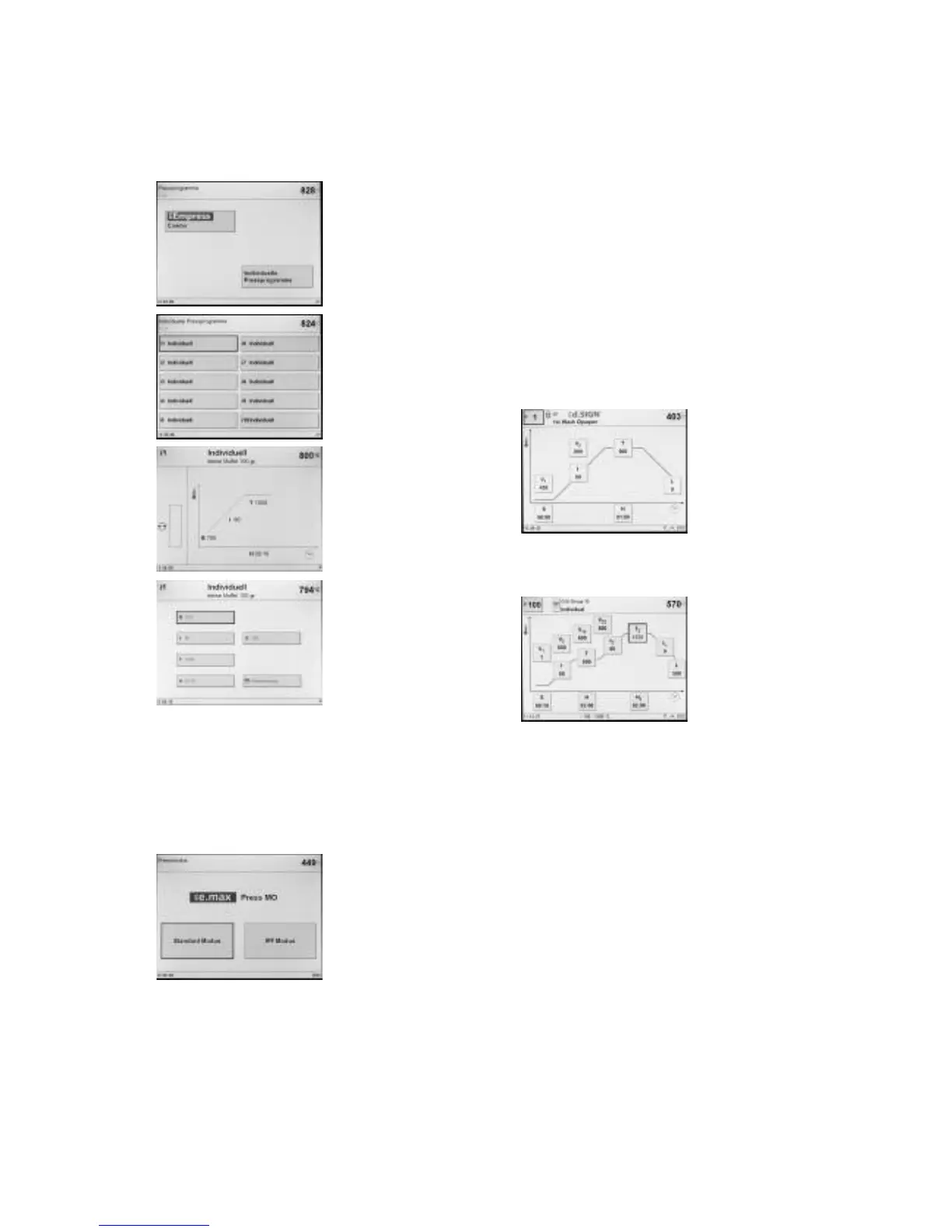
6.3.2 Individual press programs
Page 2/2 of the press programs is
shown. The -/+ keys can be used
to toggle between page 1/2 and
page 2/2.
The selection for the individual
press programs is also on page 2/2
of the press programs.
The EP 5000 has 20 individually
programmable press programs.
.
Stand-by screen for individual
press programs.
By pressing the “P” key, you can
toggle between the Stand-by and
Parameters screen. The shown
parameters are displayed for
information purposes and cannot
be edited.
6.3.3 IPF Modus – Intelligent Press Function
In this operation mode, the investment ring is ideally brought to the
required press temperature by means of an intelligent temperature
control. At the same time, the time until the start of the press
procedure is reduced by up to 25% and the temperature in the
investment ring is homogenized. The press furnace automatically
considers the power supply and possible ageing of the heating
element and adjusts the temperature control, if required. In the IPF
mode, only a status bar is shown.
If an IPF program is available for a
certain material, it is shown after
the material selection. You can
then select the Standard mode or
the new IPF mode.
The IPF mode cannot be selected
for individual programs.
6.3.4 CDS – Crack Detection System
Different failures may occur during the press procedure. The Crack
Detection System tries to identify these failures during the press pro-
cedure in order to save the dental object or ingot. The Crack Detec-
tion System produces the information messages No. 520, 521 on the
screen and aborts the press procedure. If such a message appears,
check the following points:















 To Next Page