29
6.4.5 Changing the parameters while the program is running
All parameters of the program, which have not yet been executed,
can be changed while the program is stopped (green LED blinks).
6.4.6 Standard / quick opening of the furnace head
The operator may select the furnace head opening mode by
changing the symbol:
– "Standard furnace head opening" symbol visible: (the furnace
head opens within 60 seconds at the end of the program ).
– Toggle to "Quick furnace head opening" by means of the
– / + key
– "Quick furnace head opening" symbol visible: (furnace head
opens within 18 seconds at the end of the program).
– Toggle to "Standard furnace head opening" by means of the
– / + key.
6.4.7 Help
Help text for the current screen
6.4.8 Error message
The error group symbol should
supply a first indication of the type
of error (entry error = exclamation
mark; technical error = fork
wrench; Note = "i" symbol) with-
out the user having to consult the
Operating Instructions.
6.4.9 One-stage / two-stage programs
If the cursor is on the "one-stage program" symbol, pressing the
– / + key results in the symbol to change to the "two-stage
program" symbol. At the same time, the program was also changed
to become a "two-stage program".
If the cursor is on the "two-stage program" symbol, pressing the
– / + key results in the symbol to change to the "one-stage
program" symbol. At the same time, the program was also changed
to become a "one-stage program".
6.4.10 Program status indication
The current program status is indicated in the firing curve display:
pre-drying, closing, pre-vacuum, firing, long-term cooling, opening
If the program is interrupted, "Pause" starts flashing as an indicator.
If a program is prematurely stopped, "Vacuum release" is flashing
while the firing chamber is flooded.
6.4.11 Pre-drying (one-stage or two-stage program)
Displaying the touch button "Pre-Drying Temperature":
Change to page 2/2 in the
"Settings" screen using the + key.
Then, select the touch button
"Preheating with the furnace head
open" and use the +/- keys to
switch on the "pre-heating"
setting.
In this way, the touch button
"Pre-drying temperature" is
displayed in the parameter list.
The function "pre-heating", however, is not yet activated
(temperature = 0).
For a program with individually activated pre-drying, the desired
"pre-drying temperature" is set after the program start with the
furnace head open (heating or cooling). Once this temperature is
reached, pre-drying is carried out during the "pre-drying holding
time" Once the holding time has elapsed, the furnace head is closed
within the desired closing time.
6.4.12 Pre-vacuum
If a firing program with pre-
vacuum is conducted, the vacuum
pump is switched on at the end of
the closing time (as soon as the
furnace head is closed). Once the
pre-vacuum time has elapsed, the
heating phase begins. Upon the
start of a program with an
individually activated pre-vacuum
(value between 1:00 and 5:00),
the V1 value is ignored. The vacuum is maintained until V2 is
reached. V2 must be higher than the stand-by temperature B.
6.4.13 Overnight program
a. At the end of an "overnight" program (overnight program
symbol active), the heater is switched off and the furnace head
opens.
b. When the temperature drops below a certain level, no melody is
being played.
c. Once the temperature is lower than 100 °C /212 °F, the furnace
head closes, the heater remains switched off, and the furnace
cools down to room temperature.
d. The green Start LED starts flashing when the furnace head is
opened.
e. After a power failure during an overnight program in progress,
the furnace no longer heats up, but remains at room
temperature.
6.4.14 ”Quick cooling“
If the "Open furnace head" key is pressed again with the furnace
head already completely open, the "Quick cooling" function is
started. This means that the vacuum pump is switched on for
5 minutes. This function can be stopped early by pressing STOP,
"Close furnace head", or START.
6.4.15 Software Update
The user will be able to conduct a software update by CD, PC, and
download cable. For that purpose, the software download
mode of the furnace is activated by pressing two special keys
simultaneously while the power supply is switched on. For further
details, please refer to the Software Update Instructions
(www.ivoclarvivadent.com).
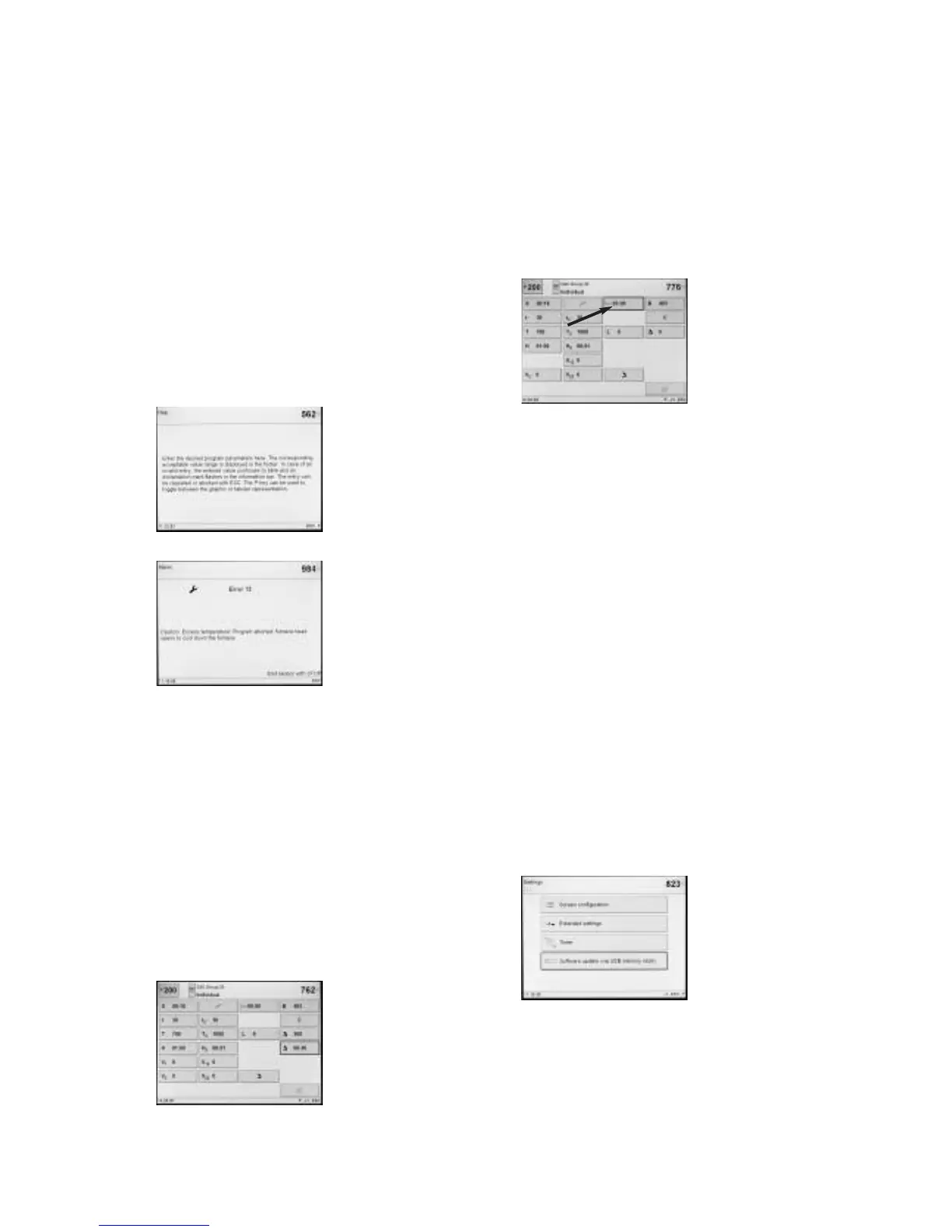
A further method for updating the
software is to use the USB
memory stick. This item is
available in the Settings menu on
page 2.
To update the software, a USB
memory stick is required with a
current software image in the
form of a *.gz file. The software
version on the USB memory stick
must be newer than the one on the furnace (see Selection -
Information).
Step 1: Connect the USB memory stick with the current software
version to the furnace
Step 2: Select the menu item “Software Update”
Step 3: Select the software image file (the file name has to start
with EP 5000_)
Step 4: Start the software update with the “Open” key
Step 5: Wait until the furnace indicates a successful update
process
Step 6: Re-start the furnace















 To Next Page