30
6.4.16 USB printer
Each USB-PCL printer can be used to printout the protocol. If a USB-
PCL printer is connected to the furnace, the necessary software
driver is loaded. After that, the USB printer is immediately ready for
use.
– The status of the USB-PCL printer is shown in the "Information"
menu item
– The desired protocol to be printed can be selected in the
protocol table.
6.4.17 USB memory stick
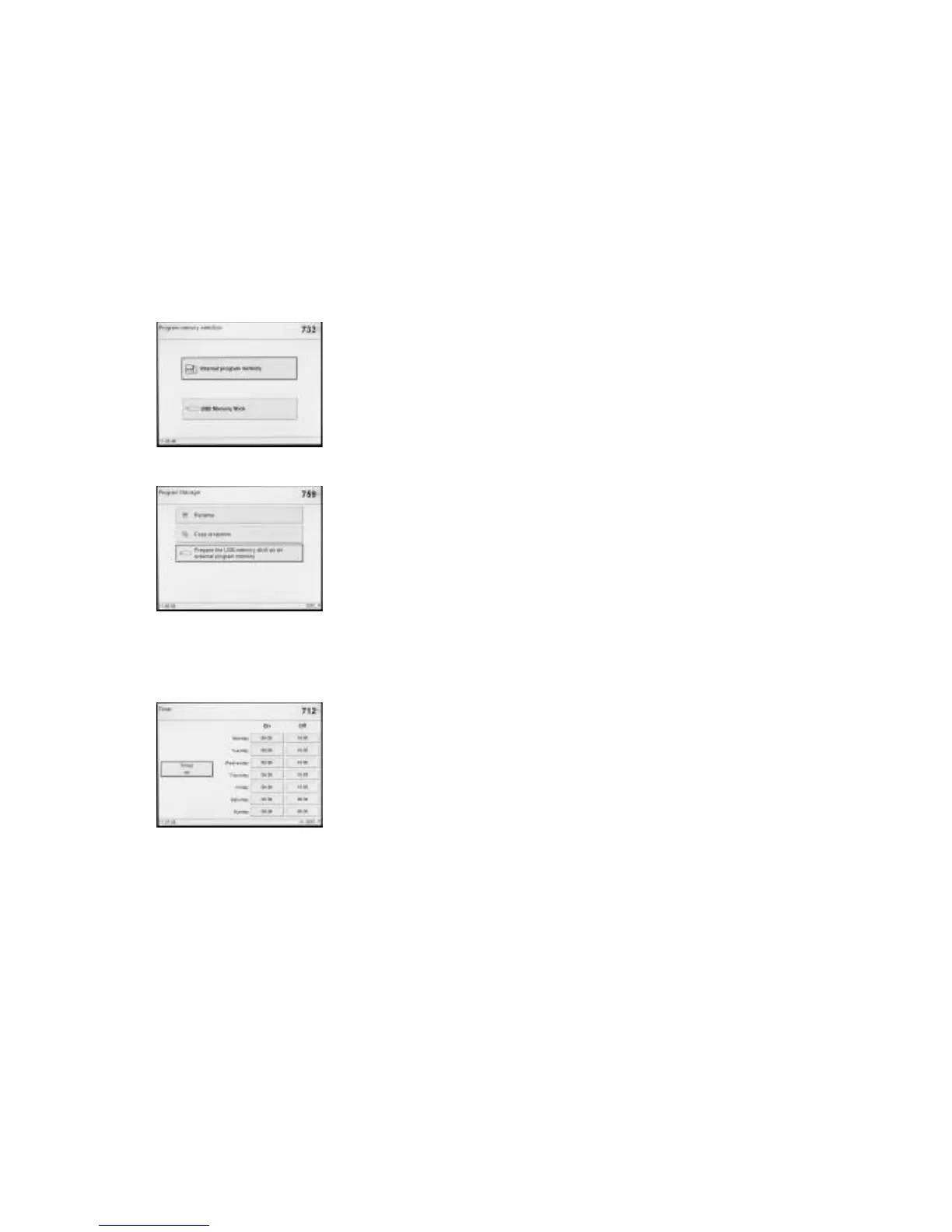
Most USB memory sticks may be
used to store programs.
Once the USB memory key has
been recognized, "Select program
memory" is displayed. In this scre-
en, either the internal programs or
the programs on the USB memory
key can be activated. If the USB
memory is used for the first time
with a EP 5000, free programs are saved in this 'empty' memory.
After that, the USB memory stick is immediately ready for use.
– The active status of the USB
memory stick is shown in the
"Information" menu item
(page 3 / 3).
– In the Program Manager, the
USB memory stick may now be
selected as either the source
and/or the target.
In this way, a backup copy of all the programs can be made at any
time. Once a USB memory stick is ready for use, the screen connec-
ted to the "Home" key (usually "Program Groups") is changed to
"Program memory selection" (see chapter 5.5.2.3).
6.4.18 Timer
The timer can be used to put the
furnace in an energy saving mode
for a defined period of time.
During this time, the heating of
the Programat is deactivated, so
that the power consumption is
only minimal. The furnace itself,
however, remains switched on.
Avoid activating the timer when
the furnace head is open.















 To Next Page