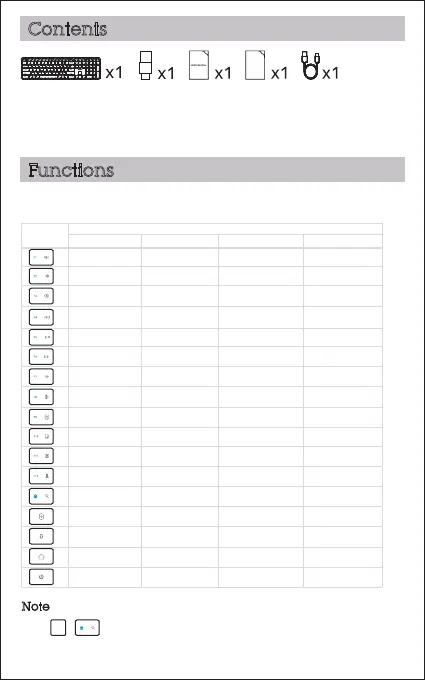
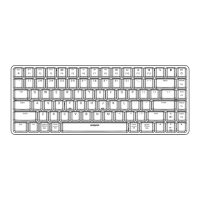
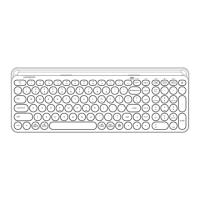
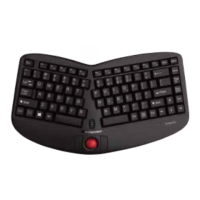
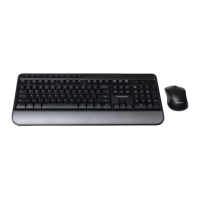
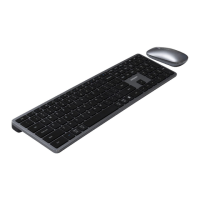
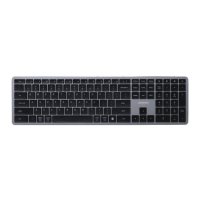
1. Keyboard
2. USB-A / USB-C receiver
3. Instruction manual
4. Quick start guide
5. Charging cable
FN + to lock the multimedia function. The F-keys will no longer function. 1. Press
The shortcut keys are shortcuts to various functions on your device. They
are located on the top row of the keyboard.
Key
Windows
Function
iOS Android Mac
Search Search Search
Mute
Volume up
Previous track
Play/Pause
Next track
Brightness down
Brightness up
Select all
Copy
Paste
Cut
Volume down
Mute
Volume up
Previous track
Play/Pause
Next track
Brightness down
Brightness up
Select all
Copy
Paste
Cut
Volume down
Mute
Volume up
Previous track
Play/Pause
Next track
Brightness down
Brightness up
Select all
Copy
Paste
Cut
Volume down
2. The multimedia keys may vary depending on the versions of Windows, Android, iOS and MacOS.
Contents
Functions
Note
2/8
QSG
Home page
2.4GHz
Home page
2.4GHz
N/A
2.4GHz
BT BT BT
N/A
Mute
Volume up
Previous track
Play/Pause
Next track
Brightness down
Brightness up
Select all
Copy
Paste
Cut
Search
Volume down
Home page
2.4GHz
BT
Power off Screen lock N/A



 To Next Page