2/6
Play/Pause Play/Pause
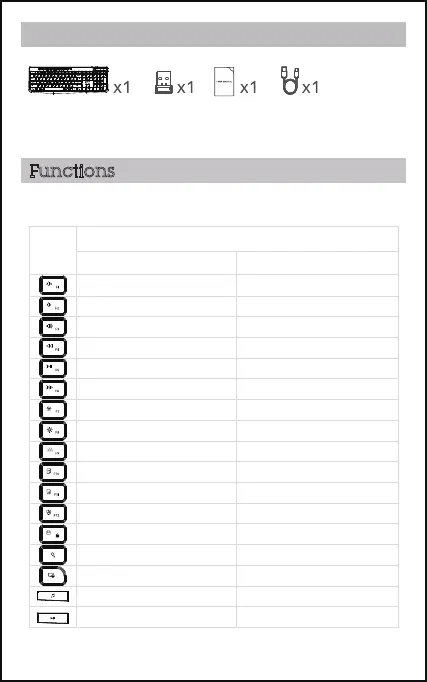
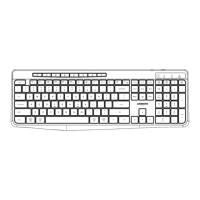
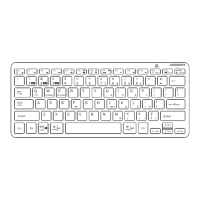
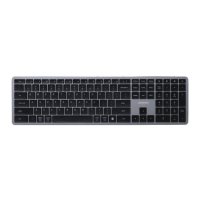
The shortcut keys are shortcuts to various functions on your device. They
are located on the top row of the keyboard.
Functions
Contents
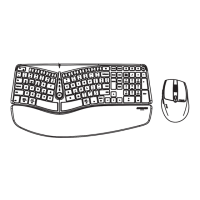
1. Keyboard
2. USB-A receiver
3. Instruction Manual
4. Charging cable
Function
KEY
Windows
Mac
Search
Screen Lock
Music play N/A
Screen Lock
MuteMute
Volume upVolume up
Previous trackPrevious track
Play/PausePlay/Pause
Next trackNext track
Brightness downBrightness down
Brightness upBrightness up
Select allSelect all
Copy Copy
Paste
Save/Fn Lock Save/Fn Lock
Mission control Open launchpad
Paste
Search
Volume downVolume down



 To Next Page