J2 680 System Manual
Version 1.0 May 11, 2012
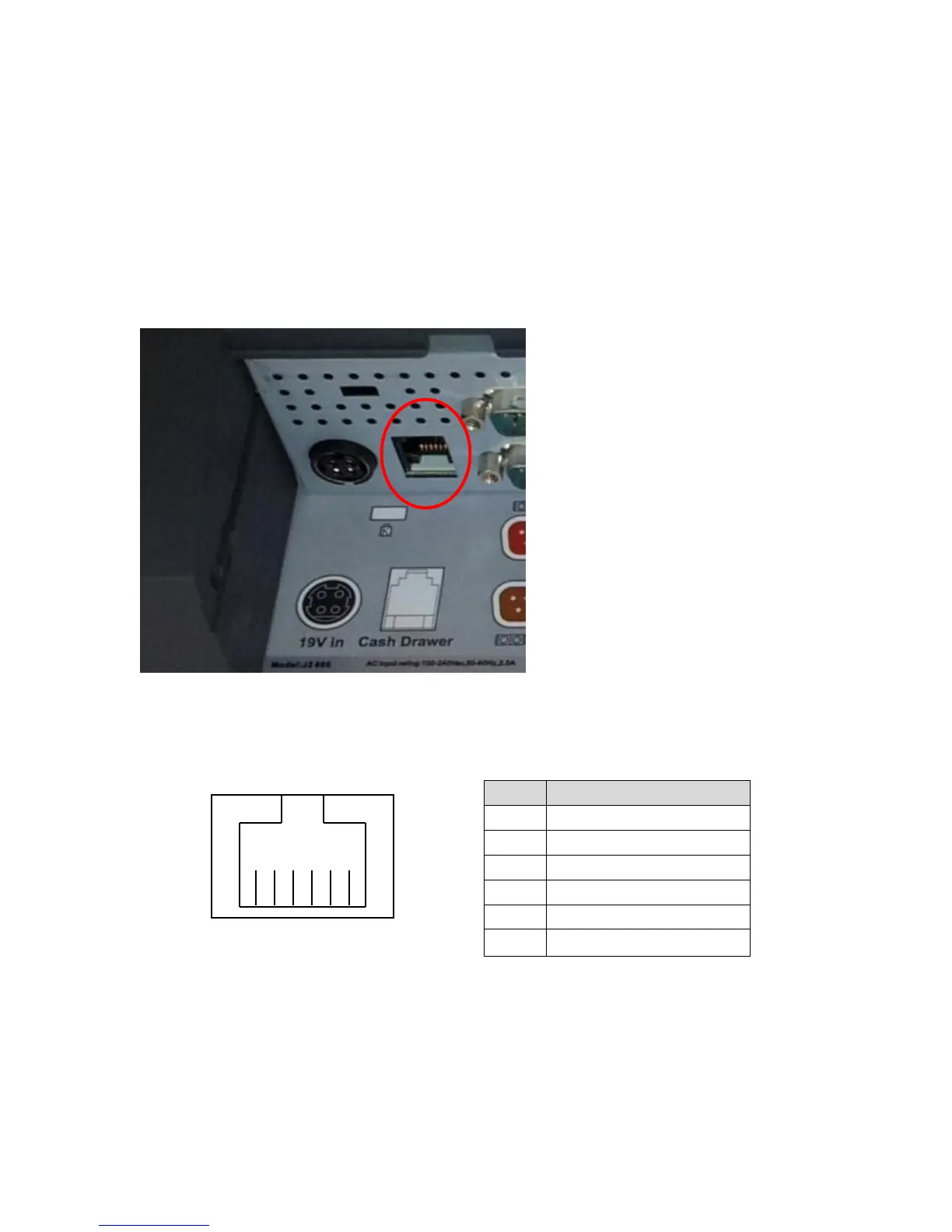
Cash Drawer Port
The 680 is equipped with one Cash Drawer port that will support one or two drawers.
This port is located in the cable well and uses the industry standard RJ-11 connector and
pin out (illustrated below). This pin-out is the same as used by EPSON printers and
cables for the EPSON printer normally work with the 680.
Cash Drawer Ports
Cash Drawer 1 Pin Assignment
The application may address the Cash Drawer port in two ways:
1) Using the J2-supplied OPOS drivers for Windows.
2) Direct access to the I/O ports
3) J2 supplied Virtual Serial Cash Drawer Emulator



 To Next Page