J2 680 System Manual
Version 1.0 May 11, 2012
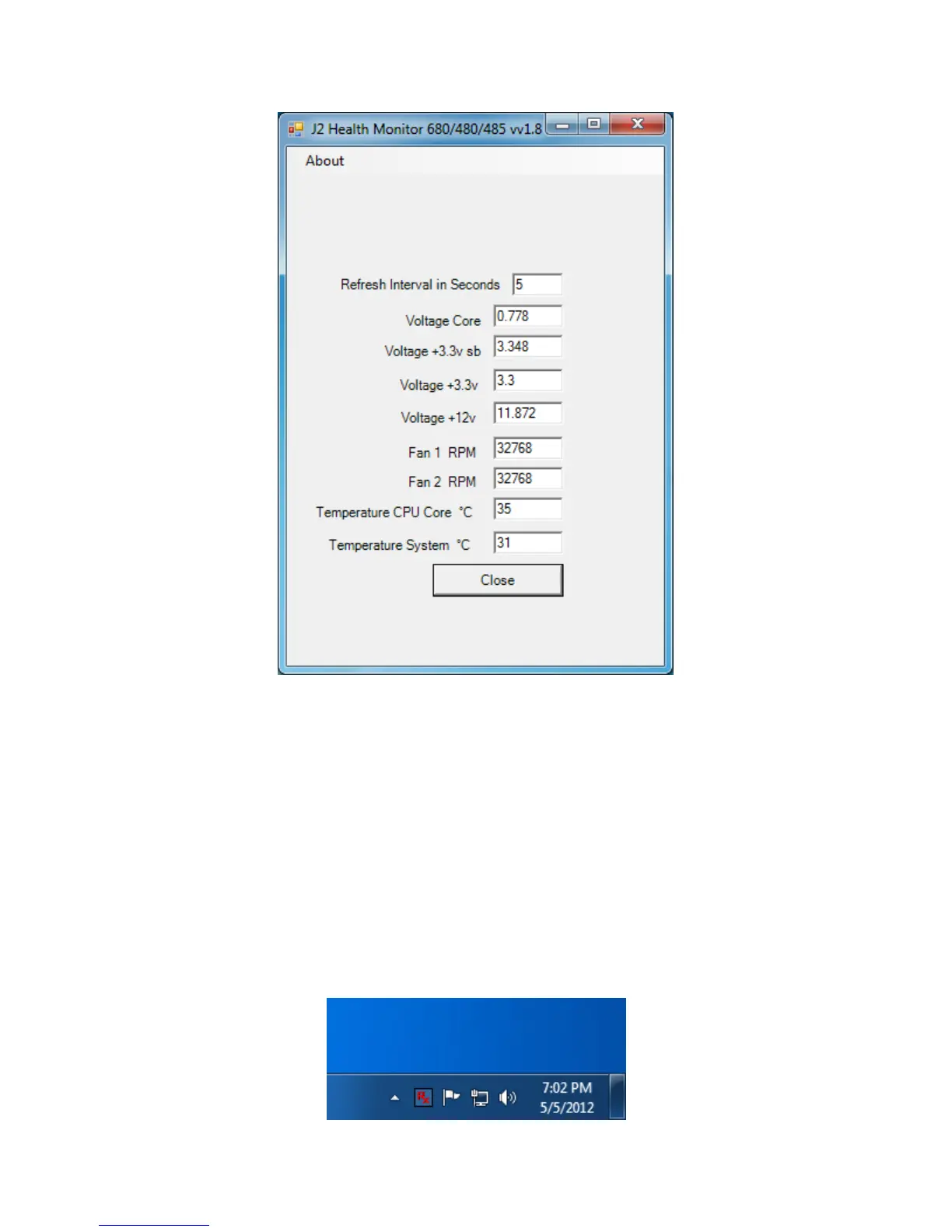
As can be seen above, when running on the J2 680 the J2 Health program displays critical
system voltages and system and CPU Core temperatures. For other J2 POS systems, J2
Health may display more or less information. An example would be the J2 680 unit,
which in addition to the above information would also display the fan speed of the two J2
680 fans.
Logging to File
The J2 Health program can log the health data to a file in the csv text format for
importing to other programs, like Excel. This can be handy for finding “time of day”
related problems.
When logging is enabled, the tray icon Rx symbol will change to red to indicate logging
in is taking place.



 To Next Page