J2 680 System Manual
Version 1.0 May 11, 2012
Driver Installation, Windows
Chipset Driver Installation
The chipset driver is needed to get the full potential from the 680 chipset. It should be
loaded before other drivers and first thing after booting. The drivers can be downloaded
from the J2 web site:
http://www.j2retailsystems.com/support/680/Chipset/.
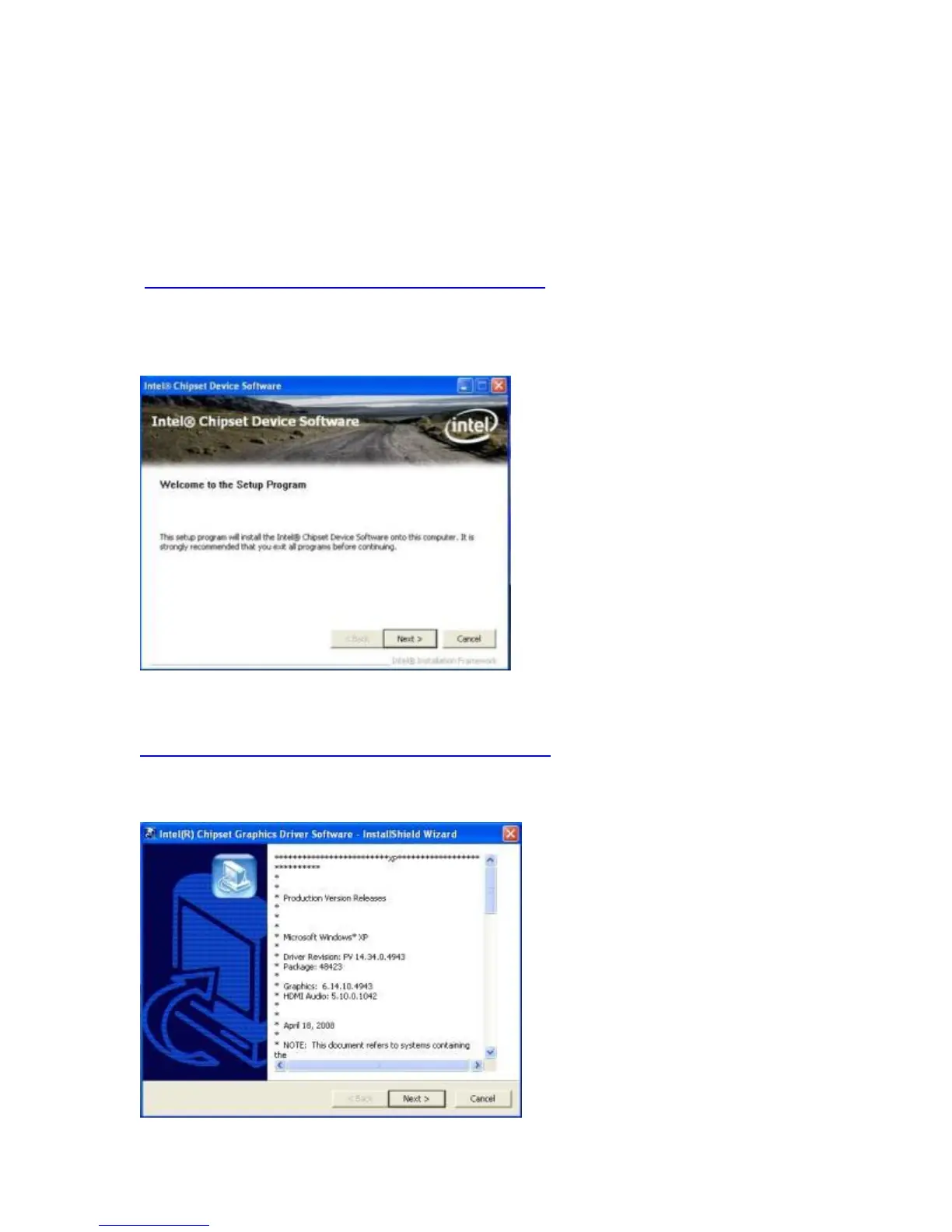
After extracting the drivers to a temporary folder, run Setup.
Just answer Next or Yes to all the screen prompts and the drivers will install.
Graphics Driver Installation
You can download the 680 graphics driver from the J2 web site at:
http://www.j2retailsystems.com/support/680/Graphics/.
This is an .exe file so just run it and answer Next or Yes to all screen prompts and the
drivers will install. The last screen will ask if you want to reboot, answer Yes.



 To Next Page