J2 680 System Manual
Version 1.0 May 11, 2012
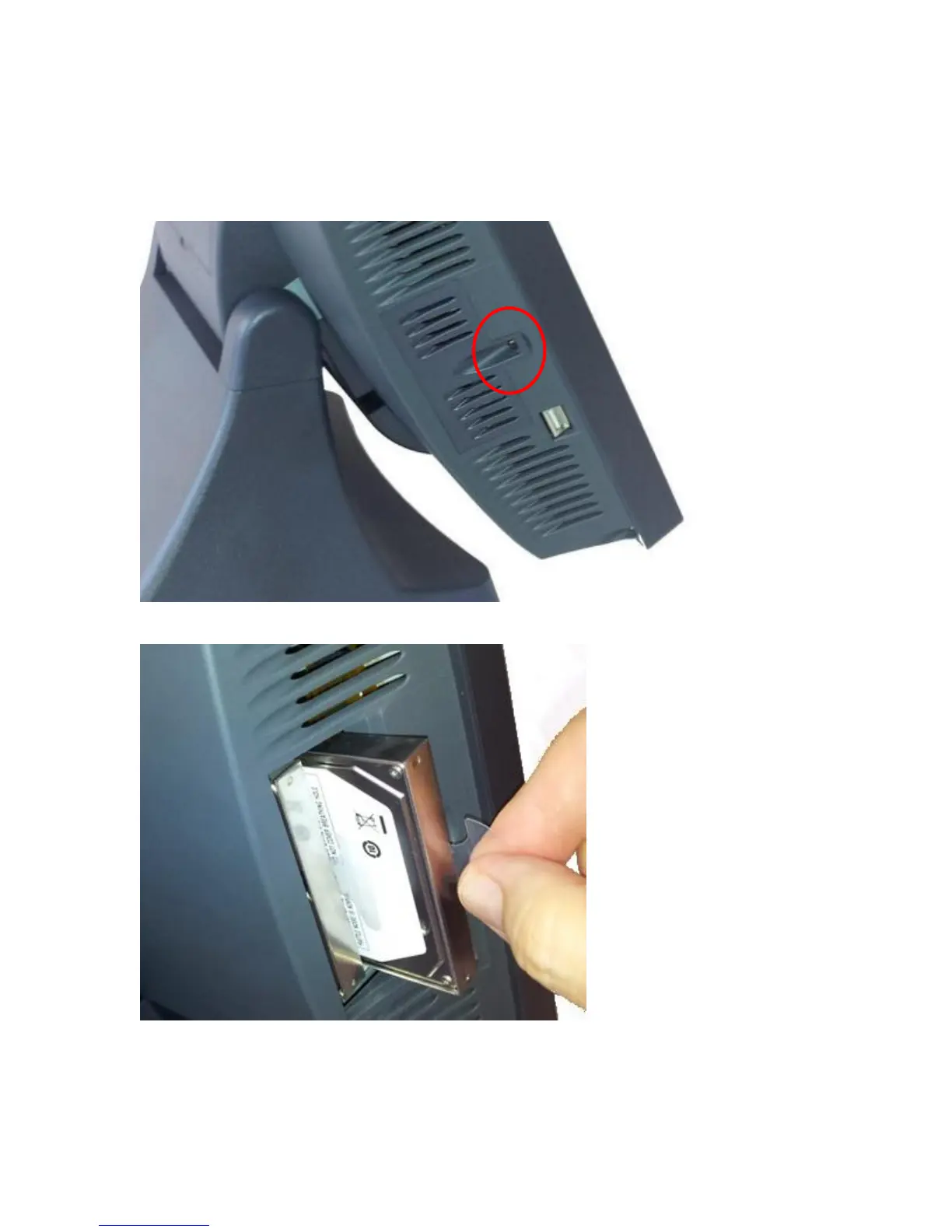
Accessing the HDD/SDD Drives
Remove cover screw then remove cover
Remove or insert drive as needed
The HDD/SSD may be hot swapped when in a RAID 1 configuration. In non-RAID 1
configurations the unit should be powered down before changing a drive or data may be
lost. No physical damage will happen to the HDD if inserted or removed with power on.



 To Next Page