J2 680 System Manual
Version 1.0 May 11, 2012
Advanced Settings
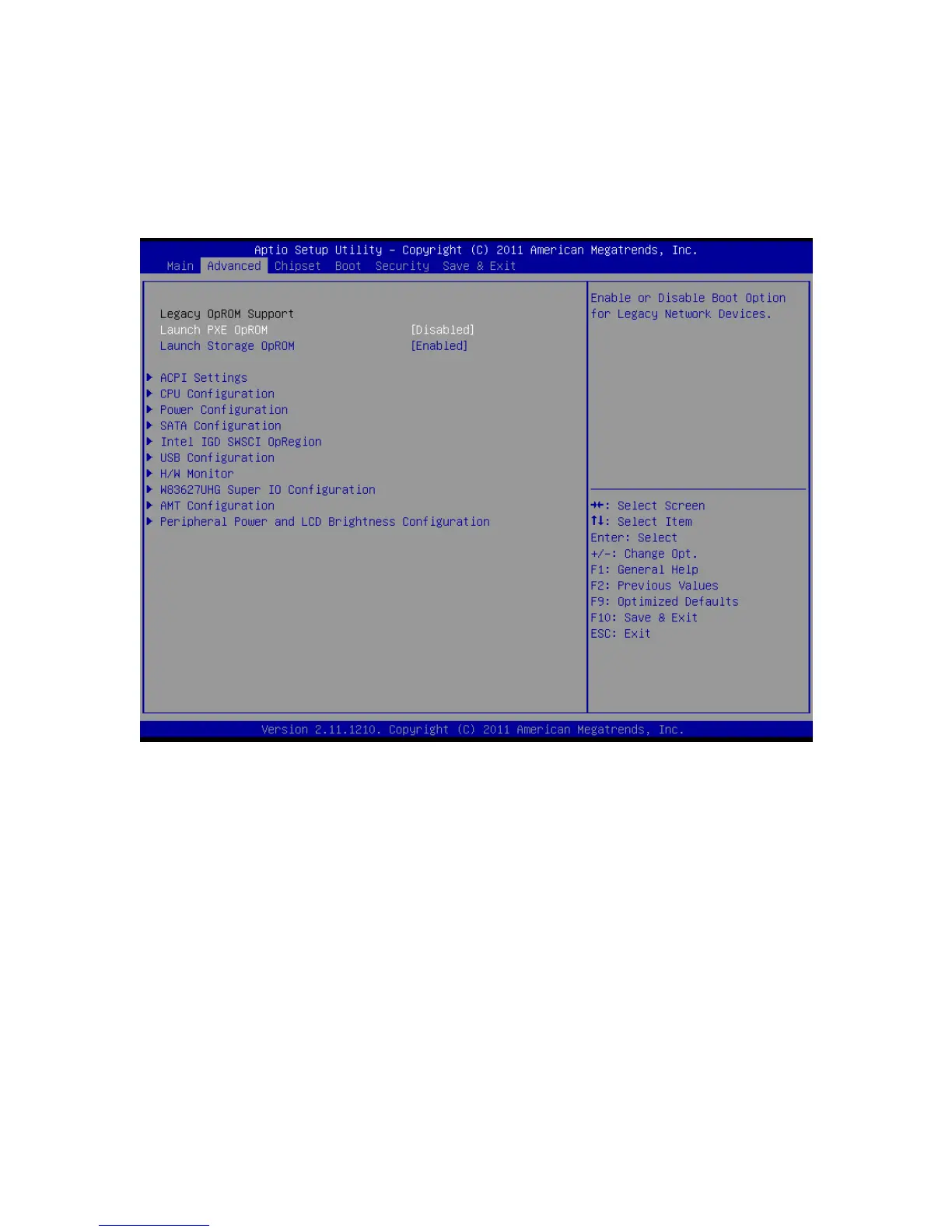
This menu contains settings to control a number of system functions. Most these settings
are self-explanatory.
Advanced Setting Screen
Launch PXE ROM
This setting enables the built- in PXE LAN remote boot rom. This allows the system to
run as a diskless workstation, or to be able to download a drive image to a blank drive.
When enabled, a message screen will appear and Shift-F10 can be typed to access the
PXE ROM options. This option is located on the “Advanced” tab as shown above.



 To Next Page