J2 680 System Manual
Version 1.0 May 11, 2012
Cash Drawer Test Utility
J2 has a generic cash drawer test utility that works on all J2 products, including the new
J2 680 computer.
Installation
The utility can be downloaded from the J2 web site: http://support.j2rs.com/Utilities/
To install just unzip anywhere and run as you wish to download the utility form.
Operation
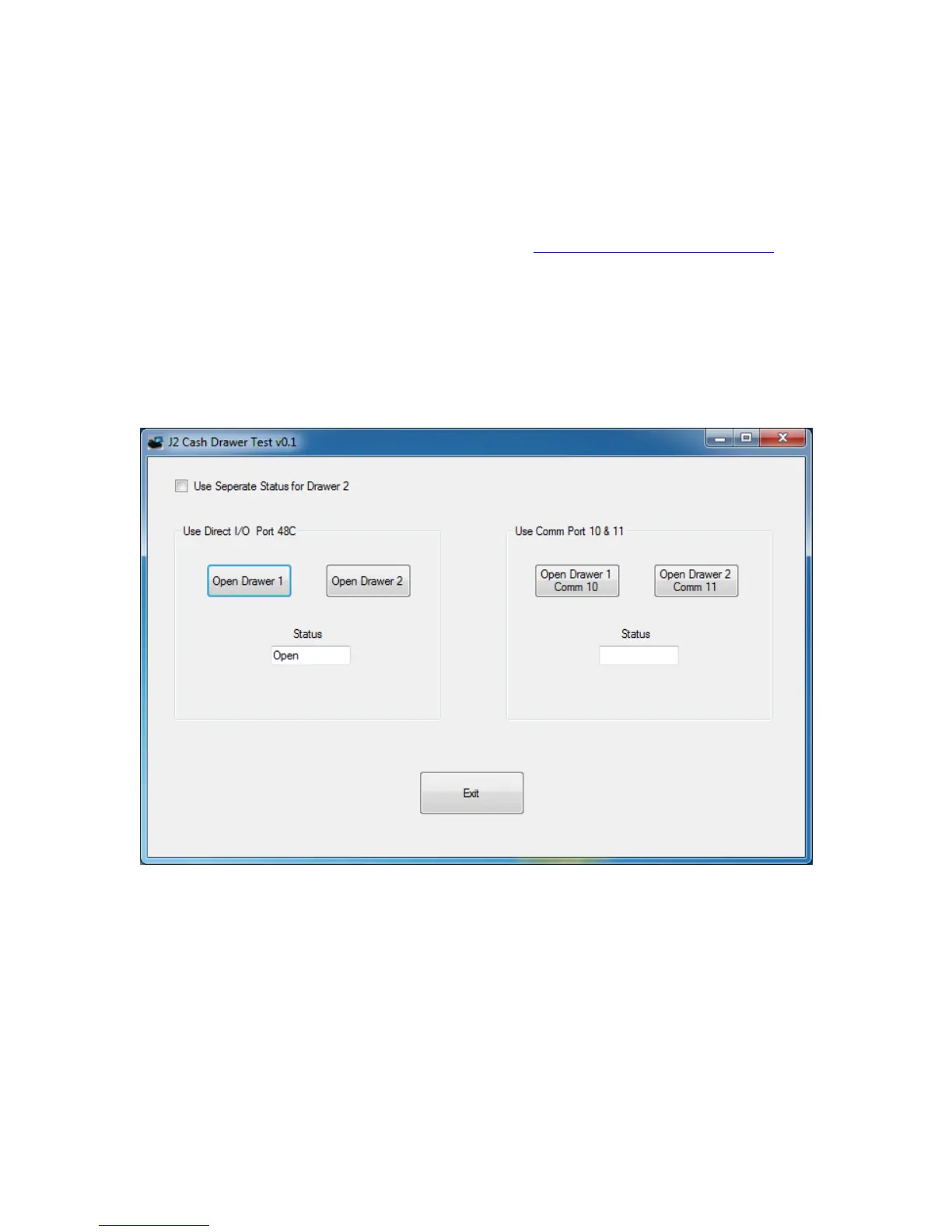
Just run the cash drawer test from whatever folder it was installed into. Use the “Use
Direct I/O Port 48c” setting to test the cash drawer(s). (see example below)
The “Use Comm Port 10 & 11” option is to test the cash drawer you set up using the J2
virtual serial ports program. The virtual serial port program must be installed with the
cash drawer virtual serial ports set to Comm 10 & 11.



 To Next Page