J2 680 System Manual
Version 1.0 May 11, 2012
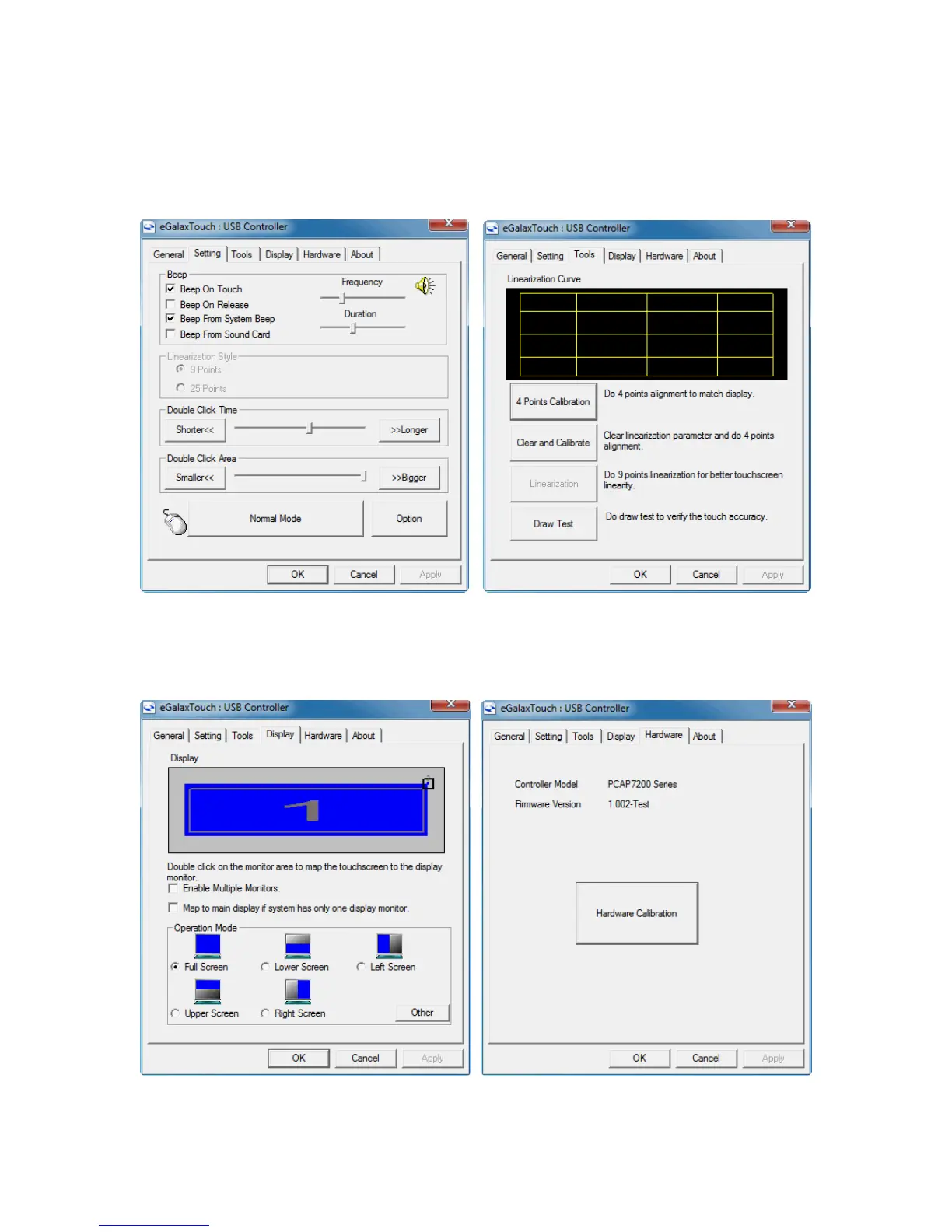
The “Settings” tab controls the touch on beep, double click function and right mouse
button emulation. The “Tools” tab allows for a calibration which is not normally needed
for a PCT screen. A draw test is provided to verily the operation and calibration of the
touch screen.
The “Display” tab controls how multiple touch monitors are used if required. The
Hardware tab display the current controller firmware version and a “Hardware
Calibration” function that will reset the screen calibration back to factory values.



 To Next Page