J2 680 System Manual
Version 1.0 May 11, 2012
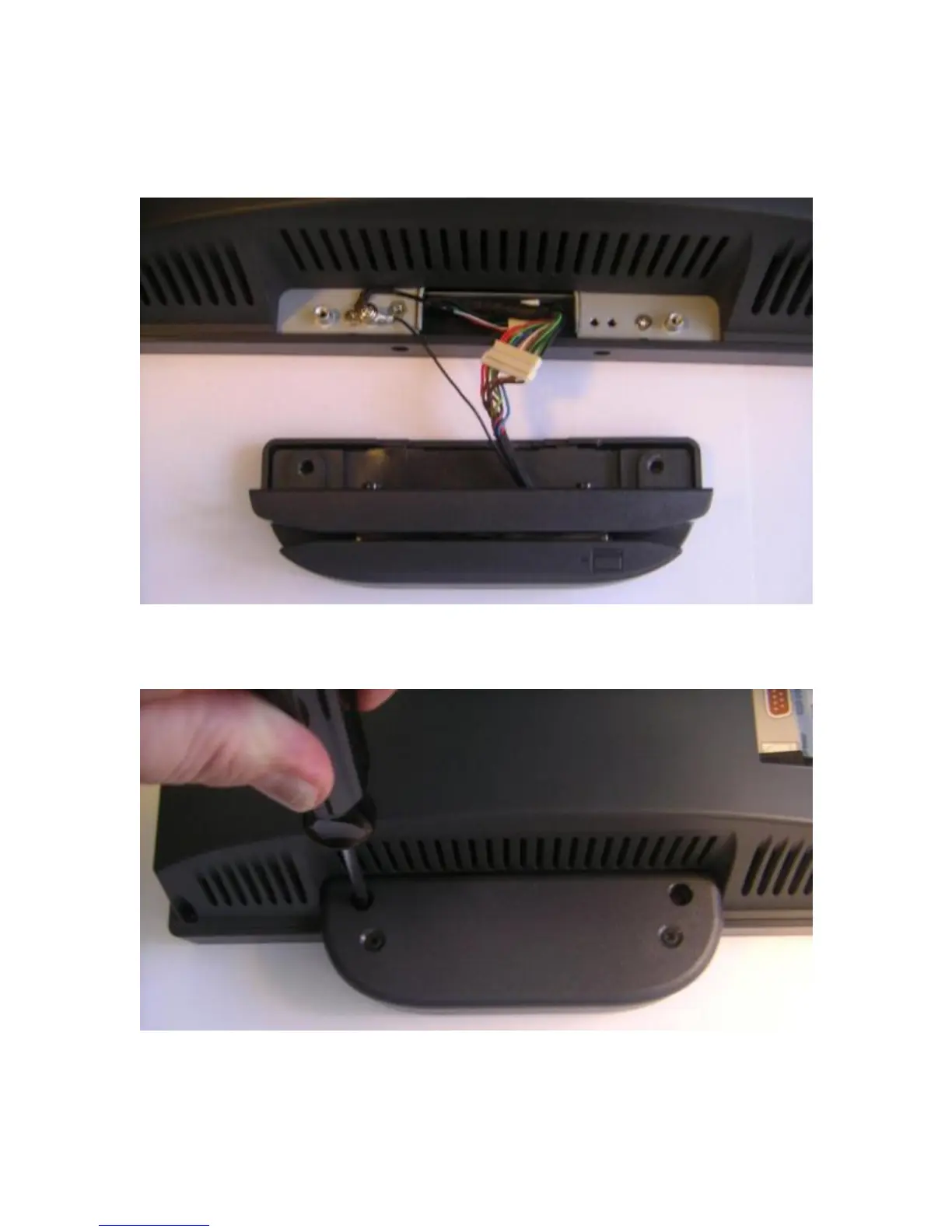
Connect the cable together as shown add secure the static ground wire with screw
provided as shown.
Attach cables
Attach the MSR using the two screws at the locations shown below.
Mounting MSR
You may now power up the 680 and the MSR should be working. For a quick test you
can open Notepad and swipe a card, the information should appear in Notepad. You can
now run the J2 MSR utility if you need any custom settings for the MSR.



 To Next Page