JA-14K(R) Security System Control Panel 30 / 72 MNX22101
8.7 Fault caused by loss of a device
Every device in the system is supervised by the control panel. BUS devices are supervised allways, wireless
devices regarding the Parameters tab / Supervision of wireless device checkbox. When the communication with
the device is lost (no response within a pre-set time) then the system triggers the event “Fault activation”. The
communication time-out is a fixed time and cannot be changed. For BUS devices it is 8 s and for wireless
120 min from the last communication.
Optionally Fault can be triggered when the radio module detects RF jamming or some kind of RF interference
which takes a minimum 30 s at 2 detection levels.
9 System control options
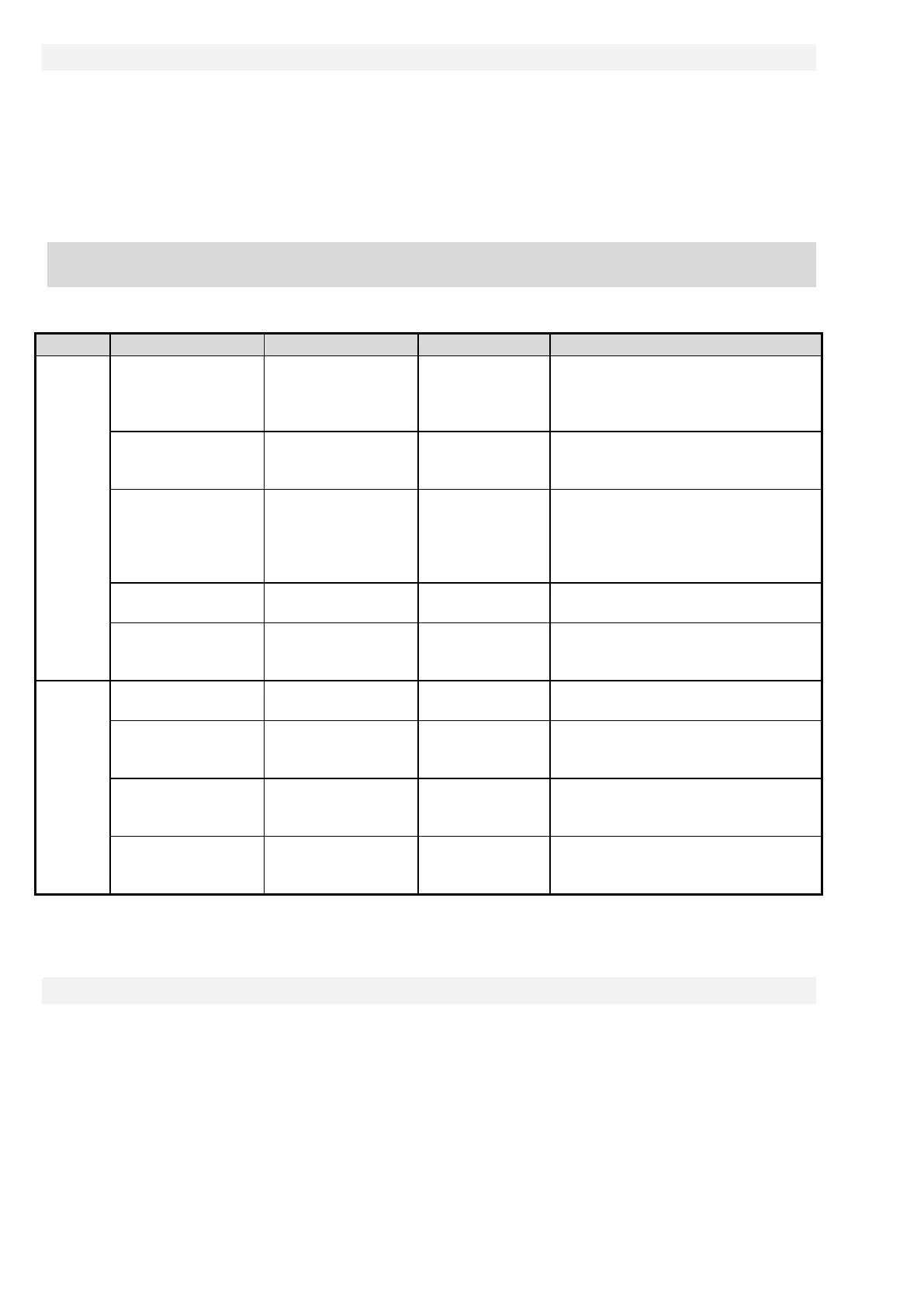
The security system can be controlled a few ways. Basic control options are local or remote. Other options are
mentioned by the following table:
Local
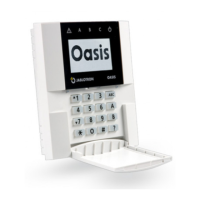
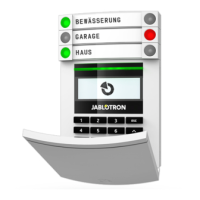
Keypad
(authorization and
functional button)
JA-10E, JA-15E
The JA-111R
radio module for
wireless keypad
Operation can be performed after
user authorization and pressing
a specific functional button or also
RFID reader
(authorization only)
JA-10E, JA-15E
radio module for
Operation can be performed after
user authorization or using an RFID
Calendar 10 calendar actions
Every calendar action has options
to select: event, time of its
performance, day of the week.
It can control sections and PG
outputs. PG outputs can be blocked.
N-Link software PC with Windows USB cable
Sections can be controlled and also
PG outputs after authorization.
Voice menu Telephone
GSM or PSTN
Calling the system telephone
number and control system by DTMF
tones after authorization.
Remote
Remote controller JA-16J
Setting and unsetting by pressing
a pre-set button of a remote.
SMS message Cell phone
Supplementary
GSM dialler
Authorized command for setting
or unsetting sections and also
authorized
Telephone (PG
control only)
GSM or PSTN
For every authorized telephone
number one specific PG output
N-Link software
PC with Windows
(XP SP 3 or higher)
GSM or LAN
can be controlled by virtual keypad
All mentioned ways can be used for system control (setting, partial setting, unsetting) for PG output control (ON,
OFF, timing).
9.1 Way of authorization
Authorization is the key factor to control the system and to verify if the user is really authorized for operation.
According to the authorization procedure the system decides if the user is authorized to set or unset sections,
switch on or off PG outputs using functional buttons or if he can only browse the system status and history log
using a keypad menu. Every user can have the following options assigned to authorize himself:
− Access code (4 or 6-digit number)
− RFID tag (selection from one variant)
− Telephone number for authorization during remote access by telephone call or by SMS (when a
supplementary GSM dialler is connected)








 To Next Page