12
english
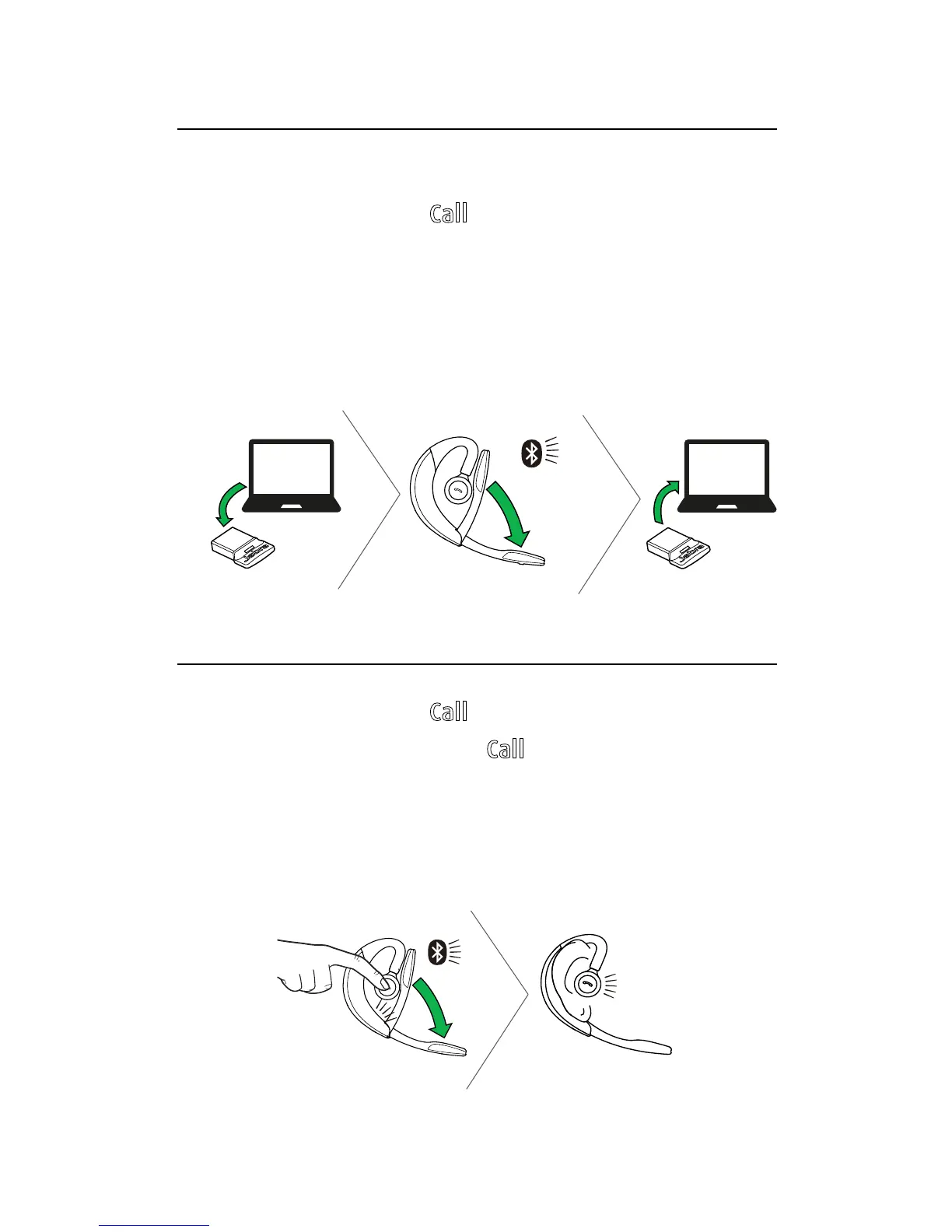
5.2 RECONNECT WITH THE JABRA LINK 360
1. Remove the Jabra Link 360 from the PC.
2. While pressing the
Call button, open the flip
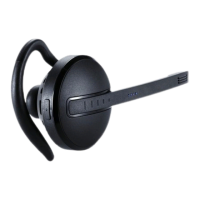
boom-arm on the headset.
3. Plug the Jabra Link 360 into the PC to
automatically connect to the headset.
Connection can take up to 1 minute.
5.3 CONNECT WITH A BLUETOOTH DEVICE
1. While pressing the Call button, open the flip
boom-arm. Release the
Call button when the
Bluetooth light flashes blue.
2. Wear on the ear and follow the voice-guided
connection instructions.





 To Next Page