18
english
6.3 VOICE COMMANDS ON/OFF
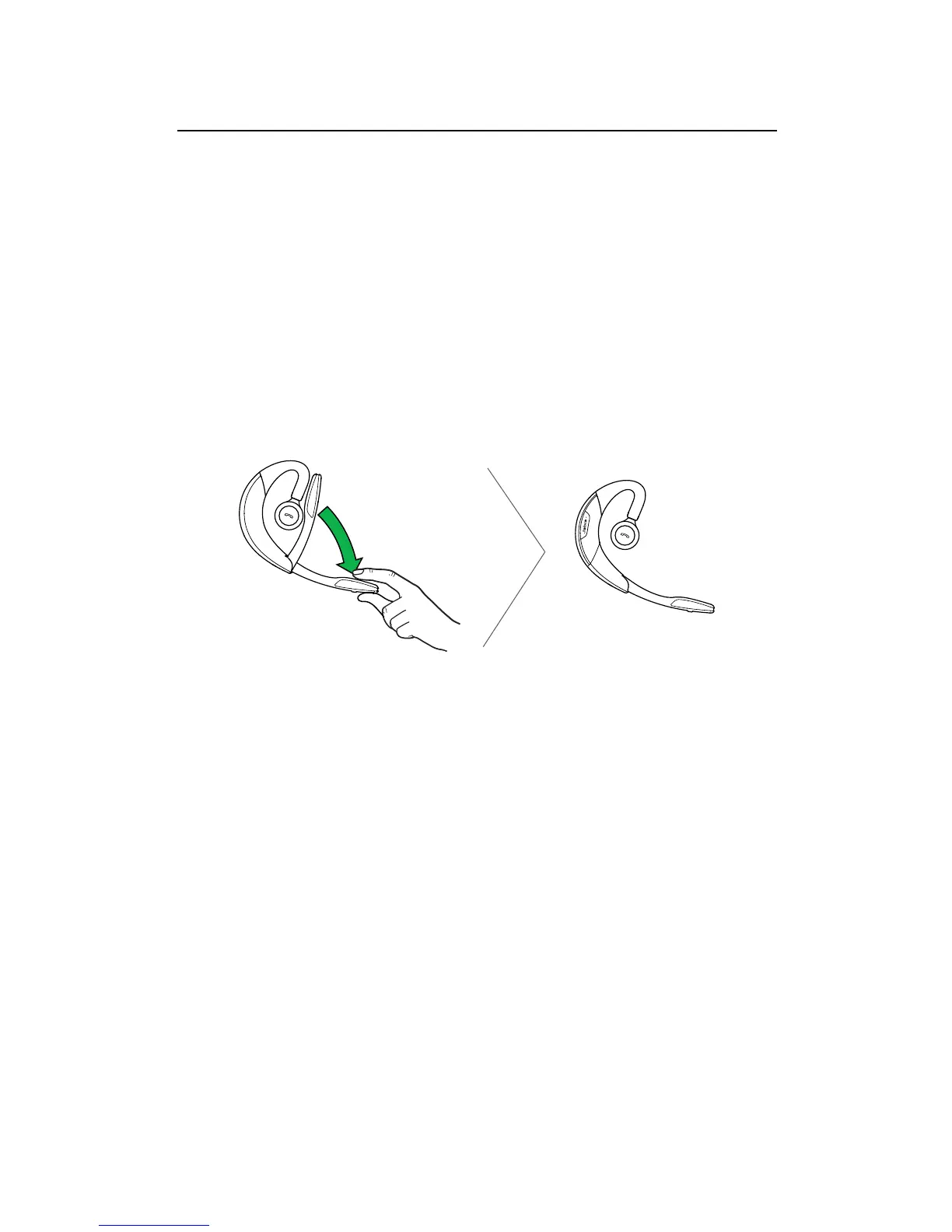
Voice commands are on by default. To turn voice
commands on/off:
1. Press and hold the Voice button while opening
the flip boom-arm.
2. Release the the Voice button when the flip
boom-arm is open.
NOTE: It is also possible to turn voice commands on/off
using Jabra PC Suite or the Jabra Connect app.





 To Next Page