23
english
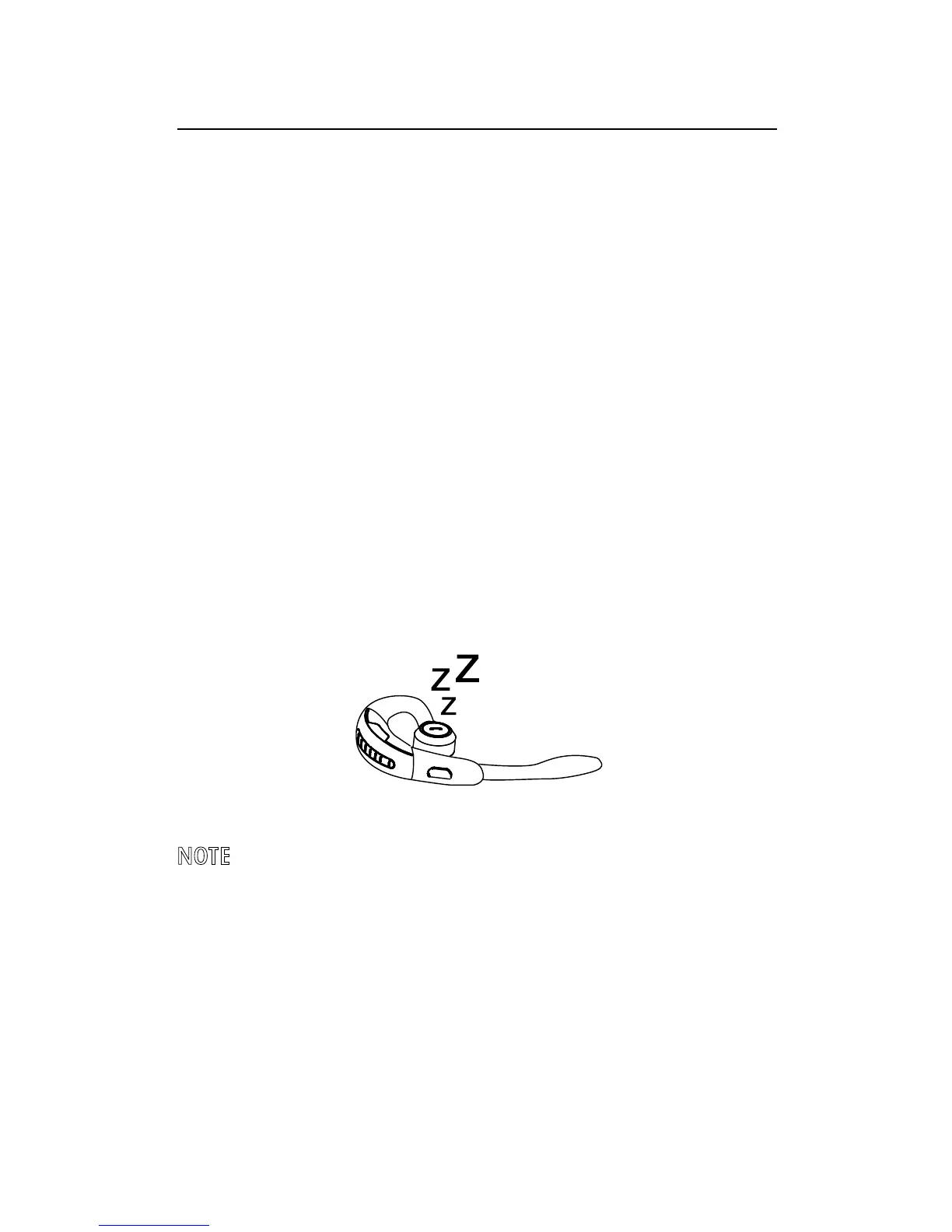
7.2 POWER NAP
To extend battery life always close the flip boom-
arm when the headset is not in use. If the flip
boom-arm is left open the headset will enter
Power Nap mode when it has not been moved for
60 minutes (when Bluetooth connected), or
5 minutes (when Bluetooth not connected). The
headset will announce ‘Power Off’ when it enters
Power Nap mode.
To exit Power Nap mode, move or pick up the
headset. The headset will announce ‘Power On’
when exiting Power Nap mode.
NOTE: If the headset is in Power Nap mode for 24 hours,
the headset will automatically turn off 100% to preserve
battery. To turn the headset back on, close the flip
boom-arm and then open it.





 To Next Page