26
english
8.3 UPDATE HEADSET FIRMWARE
Firmware updates improve performance or add
new functionality to Jabra devices. Firmware can
be updated in two ways:
Launch the Jabra Firmware Updater installed
with Jabra PC Suite, and follow the firmware
updater wizard, or
Check for the latest firmware update via
Jabra
Control Center > Help > Check for Updates
NOTE: The headset must be connected to the PC via USB.
8.4 CUSTOMIZE HEADSET SETTINGS
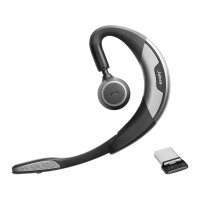
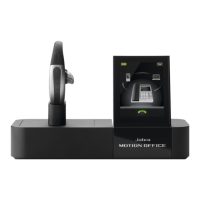
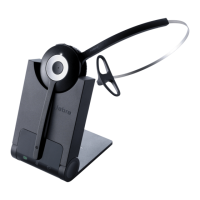
With the Jabra Connect app and Jabra PC Suite it is
possible to customize headset settings when the
headset is connected to your mobile device or PC.
JABRA CONNECT & JABRA PC SUITE VIA JABRA
LINK 360
Busylight indicator
Power Nap mode
Intelligent Volume Control
Voice controls
Sound profiles (equalizer)
Mute reminder tone
Call assist





 To Next Page