EasyManua.ls Logo

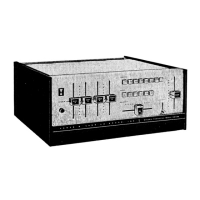
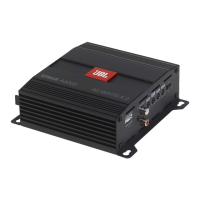
JBL SG520 - Top View

JBL SG520
34 pages
Print Icon
To Next Page IconTo Next Page
To Previous Page IconTo Previous Page
Loading...
ian
--enaup-
-
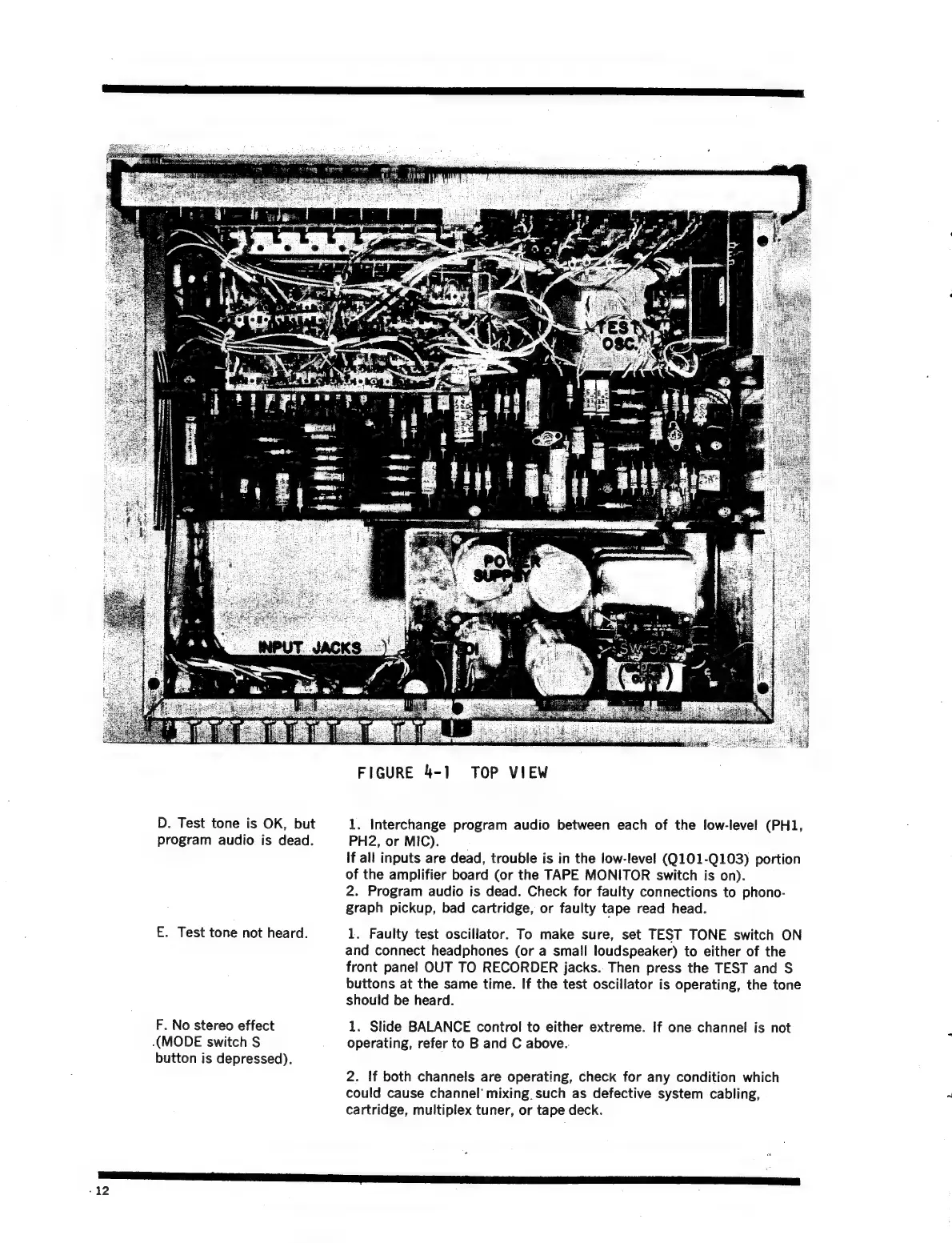
FIGURE
4-1
TOP
VIEW
D.
Test
tone
is
OK,
but
1.
Interchange
program
audio
between
each
of
the
low-level
(PH1,
program
audio
is
dead.
PH2,
or
MIC).
if
all
inputs
are
dead,
trouble
is
in
the
low-level
(Q101-Q103)
portion
of
the
amplifier
board
(or
the
TAPE
MONITOR
switch
is
on).
2.
Program
audio
is
dead.
Check
for
faulty
connections
to
phono-
graph
pickup,
bad
cartridge,
or
faulty
tape
read
head.
E.
Test
tone
not
heard.
1.
Faulty
test
oscillator.
To
make
sure,
set
TEST
TONE
switch
ON
and
connect
headphones
(or
a
small
loudspeaker)
to
either
of
the
front
panel
OUT
TO
RECORDER
jacks..
Then
press
the
TEST
and
S$
buttons
at
the
same
time.
If
the
test
oscillator
is
operating,
the
tone
should
be
heard.
F.
No
stereo
effect
1.
Slide
BALANCE
control
to
either
extreme.
If
one
channel
is
not
(MODE
switch
S
operating,
refer
to
B
and
C
above.
button
is
depressed).
2.
If
both
channels
are
operating,
check
for
any
condition
which
could
cause
channel’
mixing.
such
as
defective
system
cabling,
cartridge,
multiplex
tuner,
or
tape
deck.
‘RES
mS
TO
GP
CI
-12

Related product manuals