EasyManua.ls Logo

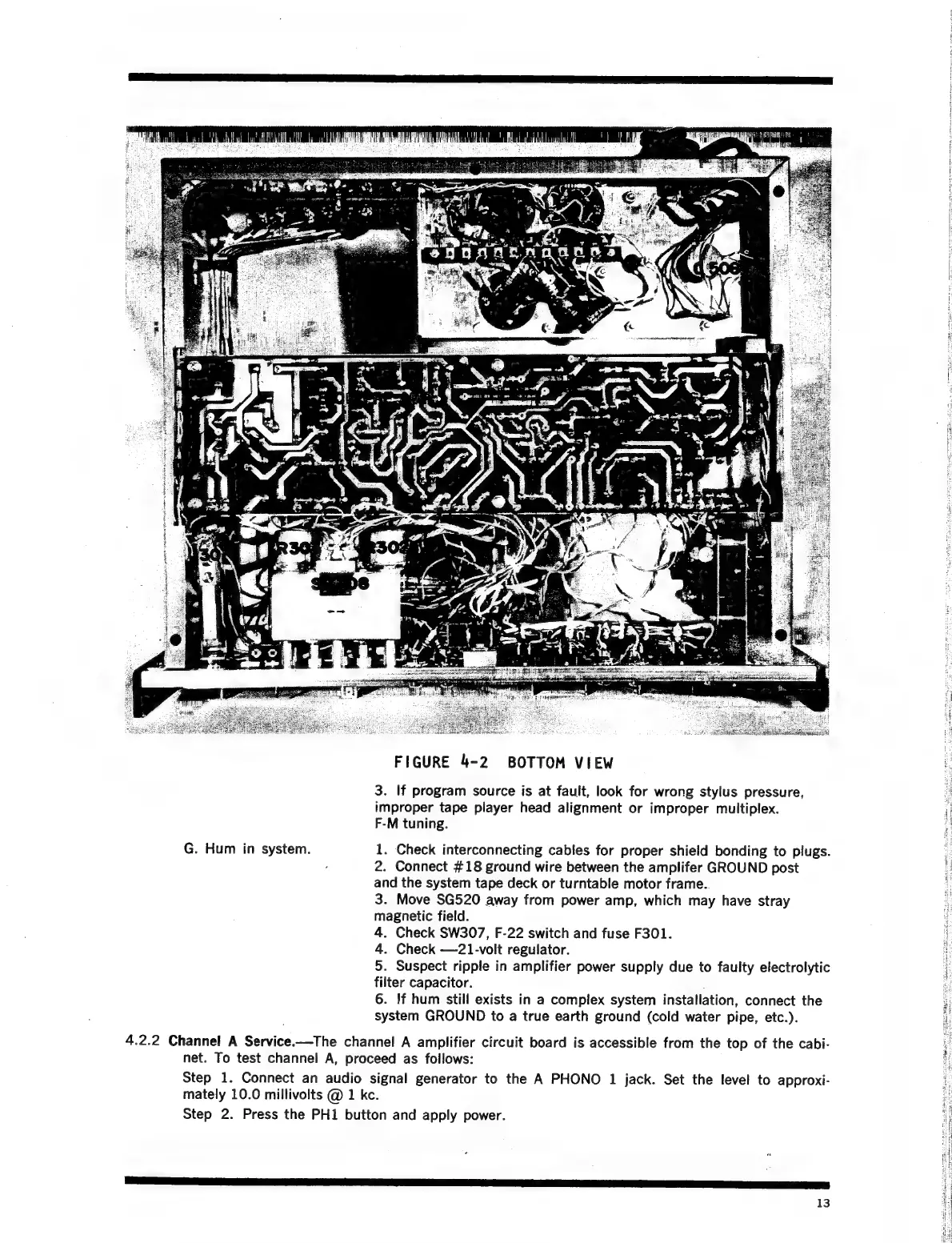
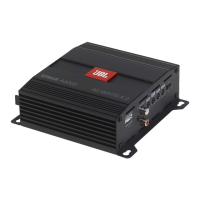
JBL SG520 - Bottom View

JBL SG520
34 pages
Print Icon
To Next Page IconTo Next Page
To Previous Page IconTo Previous Page
Loading...
FIGURE
4-2
BOTTOM
VIEW
3.
If
program
source
is
at
fault,
look
for
wrong
stylus
pressure,
improper
tape
player
head
alignment
or
improper
multiplex.
F-M
tuning.
G.
Hum
in
system.
1.
Check
interconnecting
cables
for
proper
shield
bonding
to
plugs.
.
2.
Connect
#18
ground
wire
between
the
amplifer
GROUND
post
and
the
system
tape
deck
or
turntable
motor
frame..
3.
Move
SG520
away
from
power
amp,
which
may
have
stray
magnetic
field.
4.
Check
SW307,
F-22
switch
and
fuse
F301.
4.
Check
—21-volt
regulator.
5.
Suspect
ripple
in
amplifier
power
supply
due
to
faulty
electrolytic
filter
capacitor.
;
6.
If
hum
still
exists
in
a
complex
system
installation,
connect
the
system
GROUND
to
a
true
earth
ground
(cold
water
pipe,
etc.).
4.2.2
Channel
A
Service.—The
channel
A
amplifier
circuit
board
is
accessible
from
the
top
of
the
cabi-
net.
To
test
channel
A,
proceed
as
follows:
Step
1.
Connect
an
audio
signal
generator
to
the
A
PHONO
1
jack.
Set the
level
to
approxi-
mately
10.0
millivolts
@
1
kc.
Step
2.
Press
the
PH1
button
and
apply
power.
13

Related product manuals