6
SPX532 – QUICKSTART GUIDE
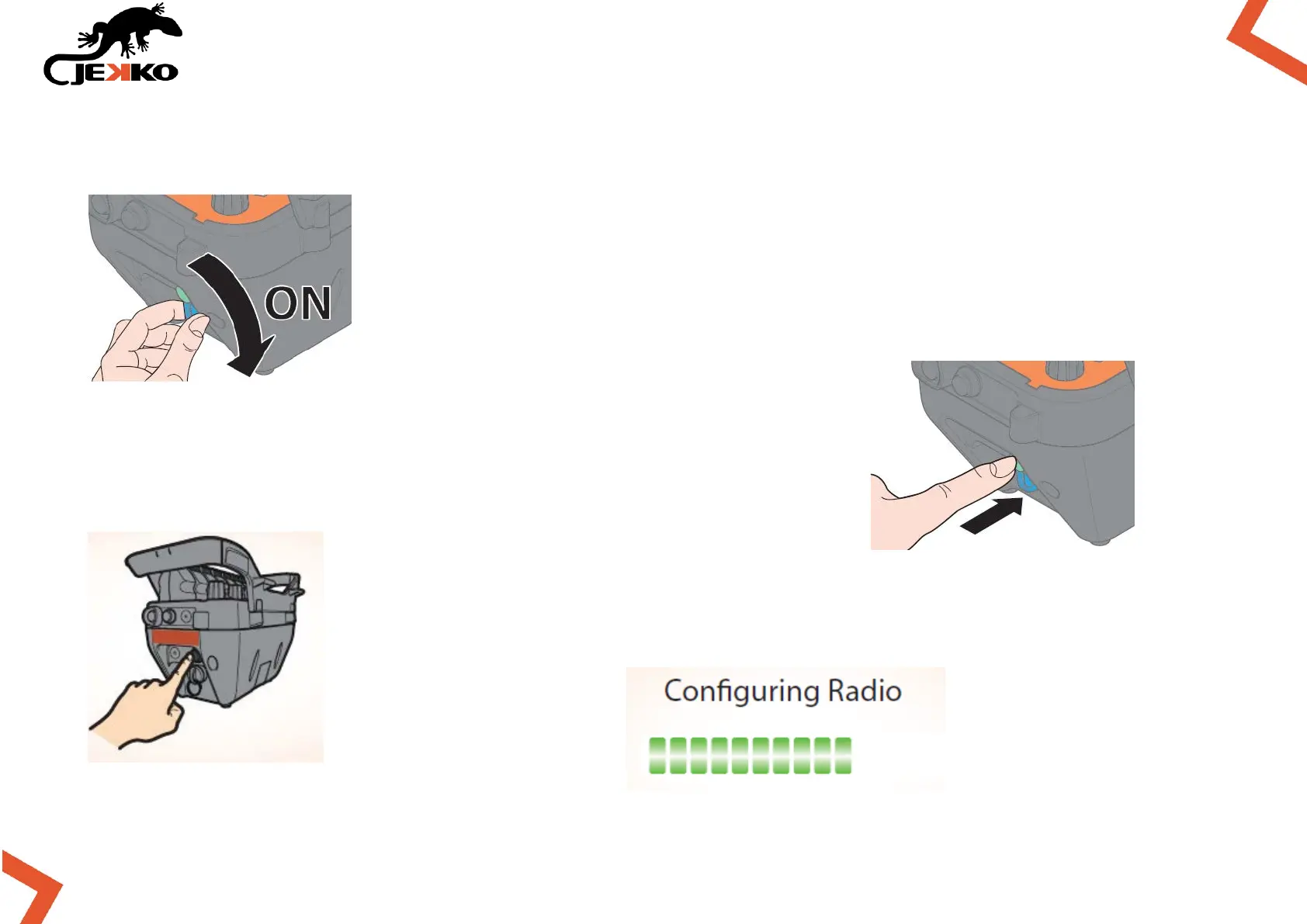
4. TURN ON THE REMOTE CONTROL
Turn on the remote control key.
Press once the Start button on the left side of the remote control
and wait for “Loading HMI …” (about 5 sec.)
When requested on the screen, press again the Start button and wait for
“Configuring Radio”.



 To Next Page