26
SPX532 – QUICKSTART GUIDE
12. PICK & CARRY
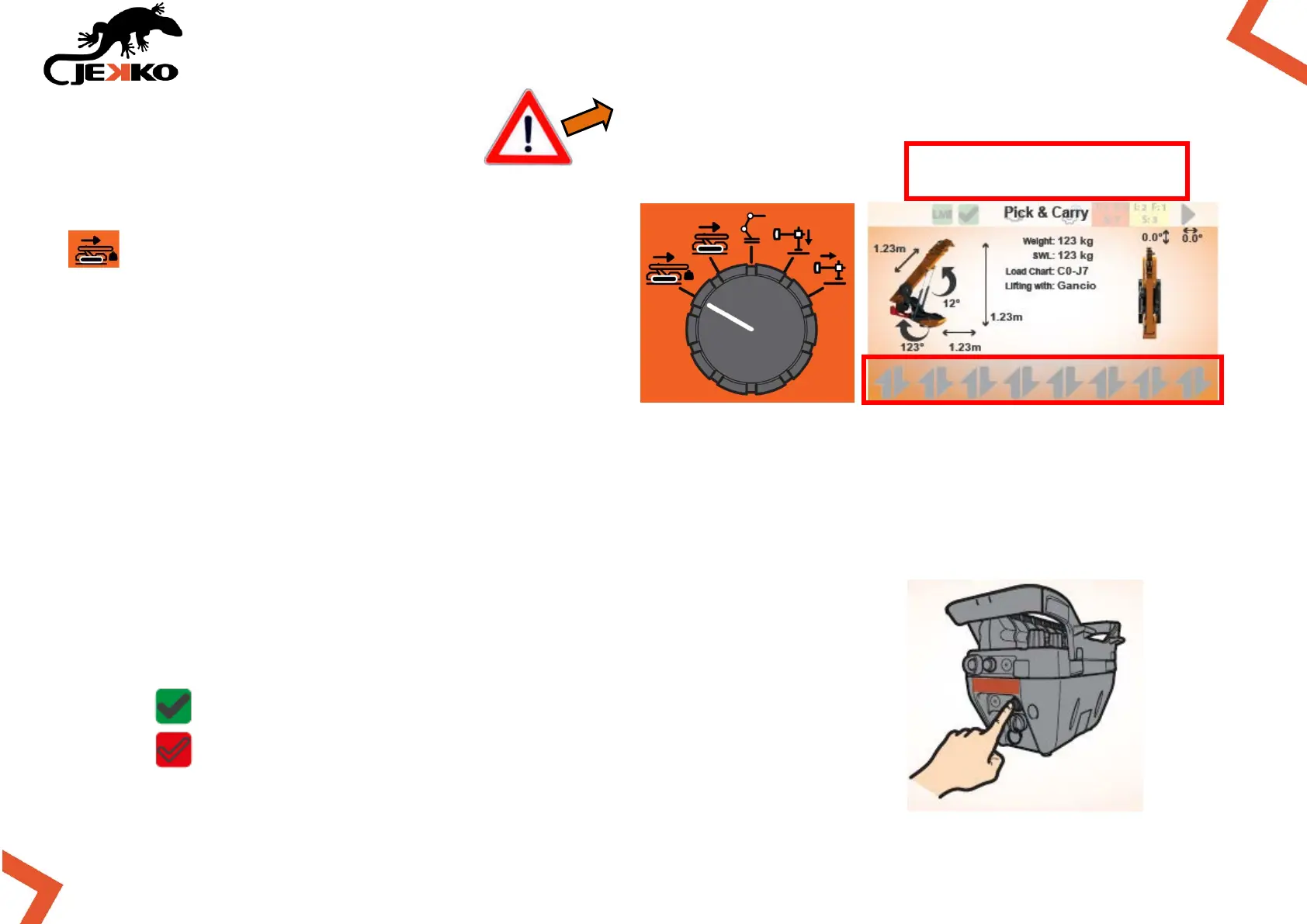
Rotate the Working mode selector in position
and the Pick & Carry page will be displayed
(see picture beside).
IMPORTANT:
If the icons of the levers are not displayed on
bottom of the screen, the working mode needs
to be enabled!
12.1. ENABLE PICK & CARRY FUNCTIONS
To enable the pick&carry functions press once the Start button on the remote control.
Once the functions are enabled, the Machine enabled icon (on top of
the screen) will become green and the icons of the levers will appear (on
the bottom of the screen).
MACHINE WORKING MODE ENABLED
MACHINE WORKING MODE NOT ENABLED
NO ICONS = WORKING MODE
NOT ENABLED
PAY ATTENTION! TURRET ROTATION ENABLED!


 To Next Page