9
SPX532 – QUICKSTART GUIDE
7. MODIFY LMI CONFIGURATION
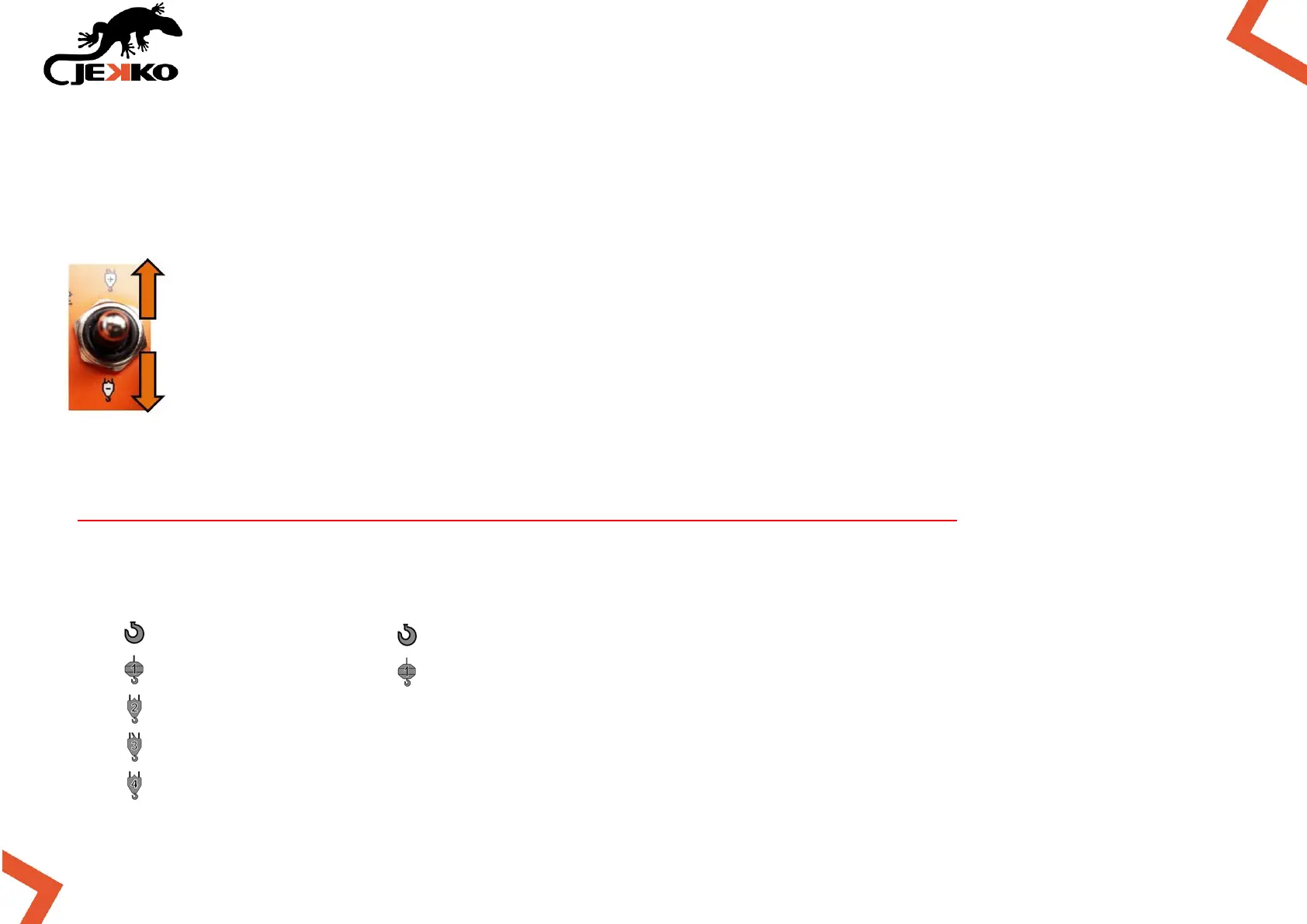
Only if needed, use the Line falls selector to modify the LMI configuration and set the correct
number of rope lines/falls or the hook mode:
INCREASE THE ROPE LINE FALLS NUMBER
PRESS ONCE TO GO BACK TO HOOK MODE IMMEDIATELY
7.1. LMI possible configurations
The machine recognizes automatically the tool installed, thanks to the Plug&Play feature.
The operator is responsible to properly set the rope line falls or hook mode.
Hook mode
1 line
2lines
3 lines
Hook mode


 To Next Page