8
SPX532 – QUICKSTART GUIDE
6. CONFIRM LMI CONFIGURATION
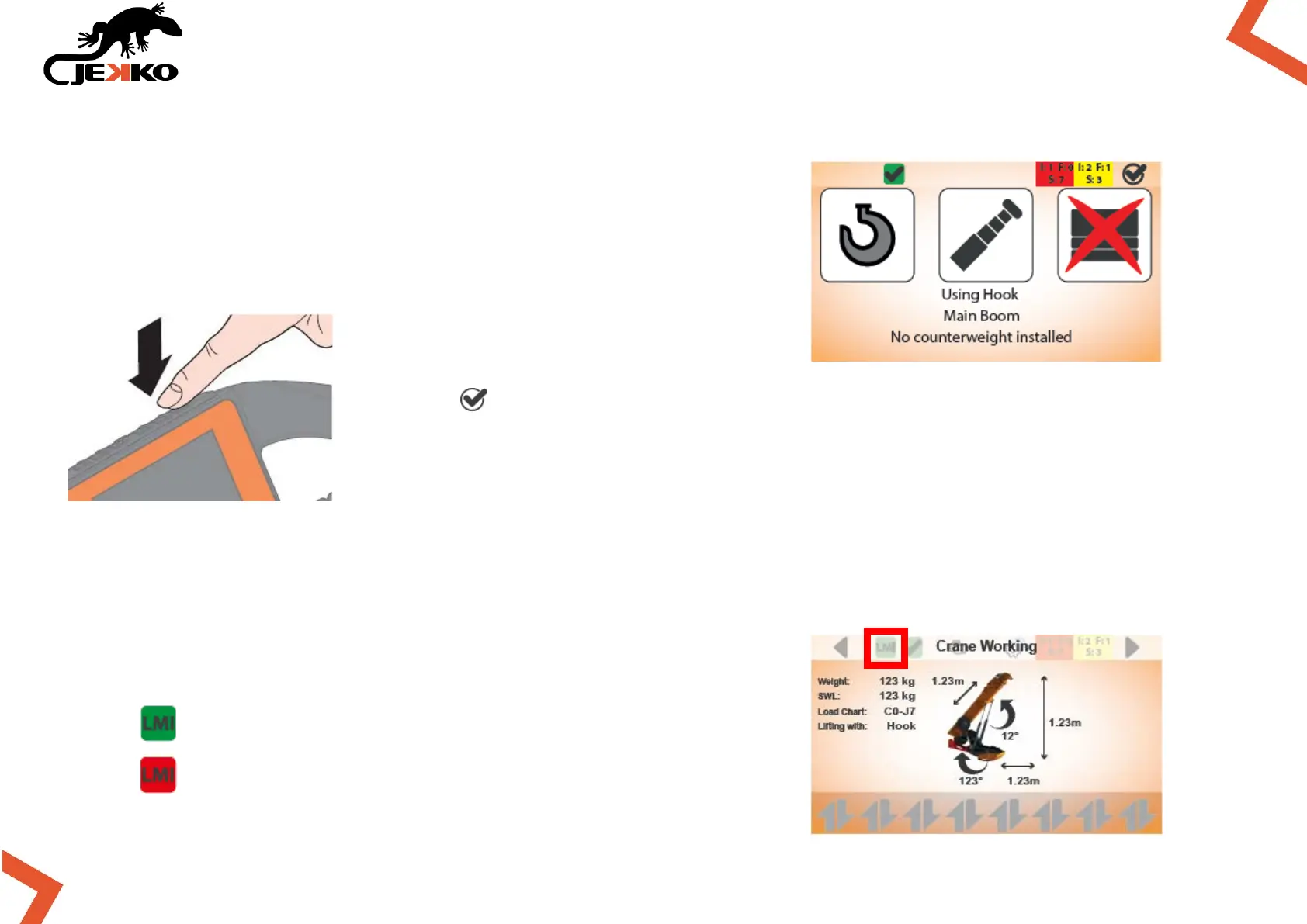
The LMI configuration page will be displayed automatically (see
the picture beside).
Press the button (on top of the screen to the right) to confirm the LMI
configuration.
IMPORTANT:
Always check the congruity between the LMI configuration on the display and the real
configuration of the machine!
Once the LMI settings are confirmed, the LMI icon on top of the
screen will become green:
LMI CONFIGURATION CONFIRMED
LMI CONFIGURATION NOT CONFIRMED



 To Next Page