Using Preset Channels
A preset is a channel name that is stored for instant access to that channel. Ten
numbered preset buttons store and recall channels for each band.
Storing a Channel
1. Select a band (if needed), then select a channel.
2.
On the SiriusXM® menu page 2, touch the Mem icon to access the Preset
Channel Screen.
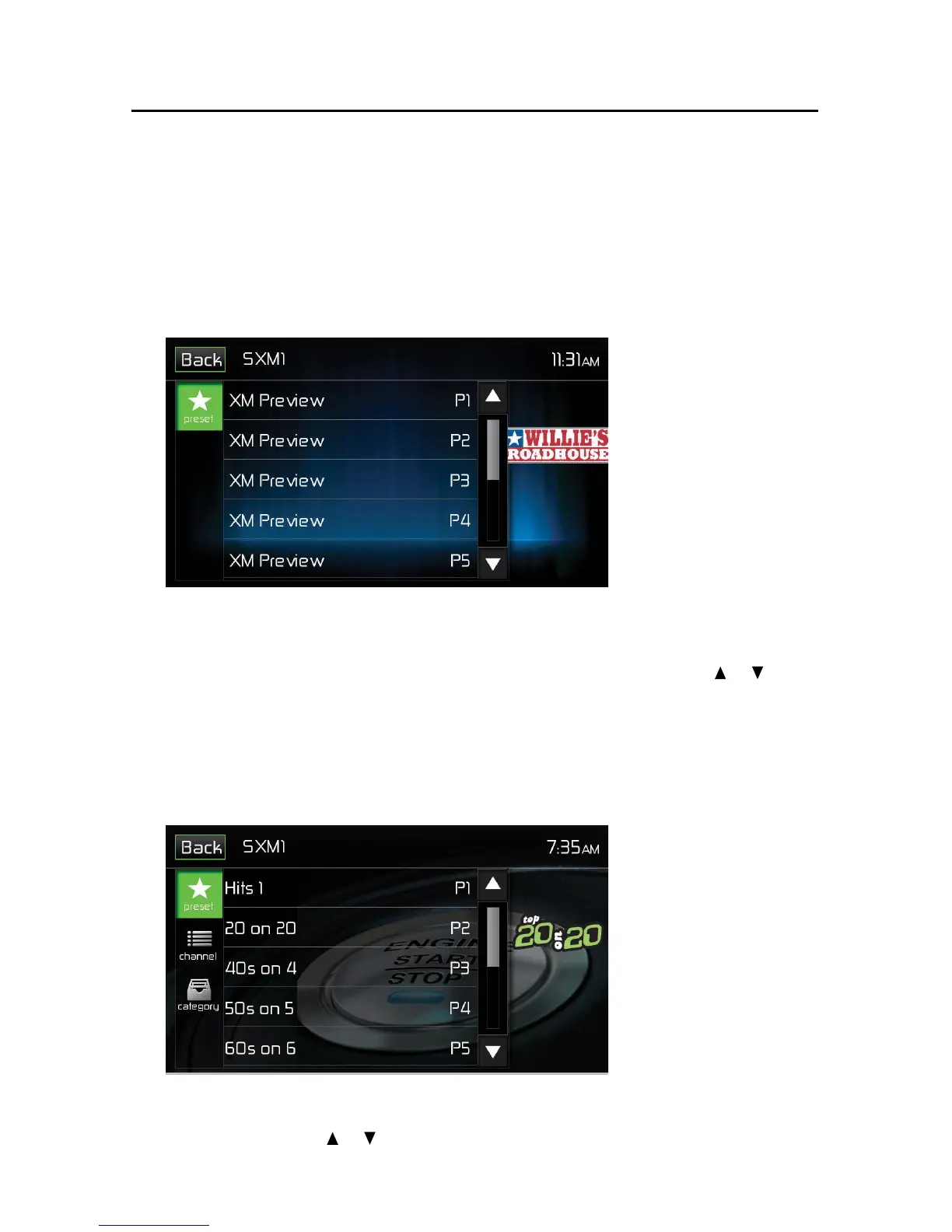
SXM Preset Channel Screen
3.
Touch the preset number (P1 through P10) in which you would like to store
the current channel (or touch the Back icon to cancel and close the menu).
T
he channel will be stored and displayed in that preset. Touch the
or icon
to scroll up or down the list.
4. Touch the Back icon to return to the SXM Menu screen.
Recalling a Channel
1. Touch the List icon.
2. Touch the Preset icon to access the Recall Preset Channel Screen.
Recall Preset Channel Screen
3. Touch a channel on the preset channel list to select the corresponding stored
channel. Touch the or icon to scroll up or down the list.



 To Next Page