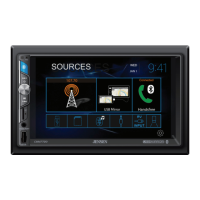
VX4025
User Up-Loadable Wallpaper
In addition to the 5 selectable wallpaper selections, you can up load your own
wallpaper image to the VX4025.
Note: The wallpaper image must have a .bmp file extension and the size /
resolution must be 800 x 480, 24 or 32 bit. Other file sizes / resolutions
will result in the image being enlarged or reduced and may appear
distorted.
Uploading User Wallpaper
Only one user wallpaper can be loaded at a time into the VX4025. However, the
user wallpaper can be loaded an infinite amount of times.
1. Insert a MicroSD card with the wallpaper images into the MicroSd card slot.
2. Go to Settings > General > Wallpaper > Custom.
3. Select a wallpaper image and press "OK" to load the new wallpaper image.
4. Remove MicroSD card.
82



 To Next Page