JENSEN"
4
Set the Clock
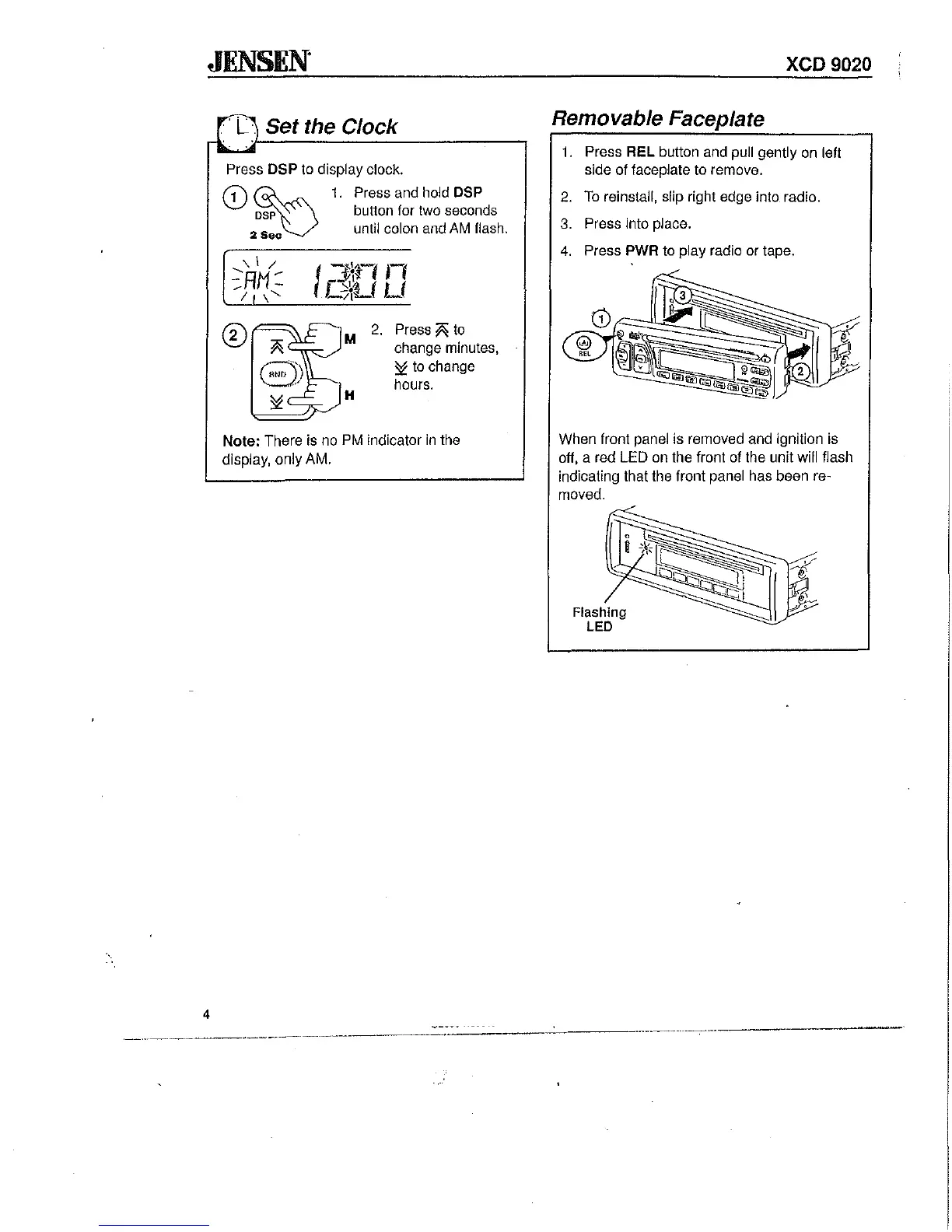
Press
DSP
to
display clock.
eD
~
1.
Press and hold DSP
osp
button for two seconds
2
Se.
until colon
and
AM
flash.
CD
M
2.
H
Press
fii;
to
change minutes,
~
to
change
hours.
Note: There
is
no
PM
indicator
in
the
display, only AM.
xeD
9020
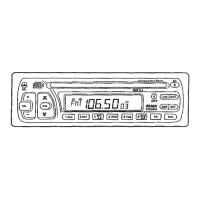
Removable Faceplate
1.
Press REL button and pull gently on left
side of faceplate
to
remove.
2.
To
reinstall, slip right edge into radio.
3.
Press into place.
4.
Press PWR
to
play radio
or
tape.
When front panel is removed and ignition
is
off, a red LED on the front of the unit will flash
indicating that the front panel has been re-
moved.
Flashing
LED


 To Next Page