RL1 User Manual
26
M-RL1-001-01
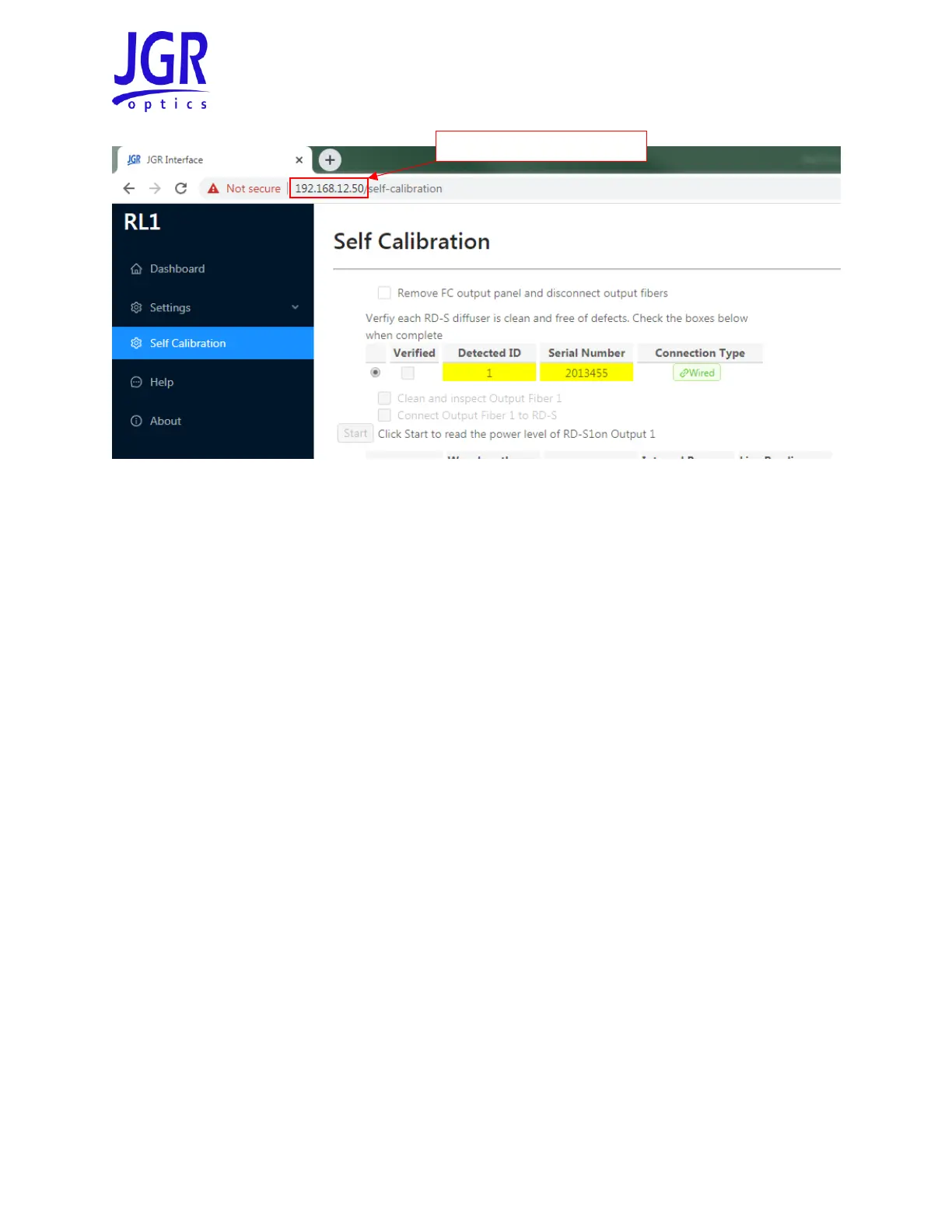
Figure 21: Accessing the RL1 self-calibration tab of the webpage
5. Perform each task as described then check the box before proceeding to the next step
6. If one of the steps fails, see the Troubleshooting section on page 27.
7. Once the self-calibration is completed and each step was successful, click Save to store the report
on the RL1
8. The saved reports can be viewed from the Dashboard tab of the RL1 webpage (see Figure 22)



 To Next Page