SECTION 4 - MACHINE OPERATION
3121716 4-9
4.5 STEERING
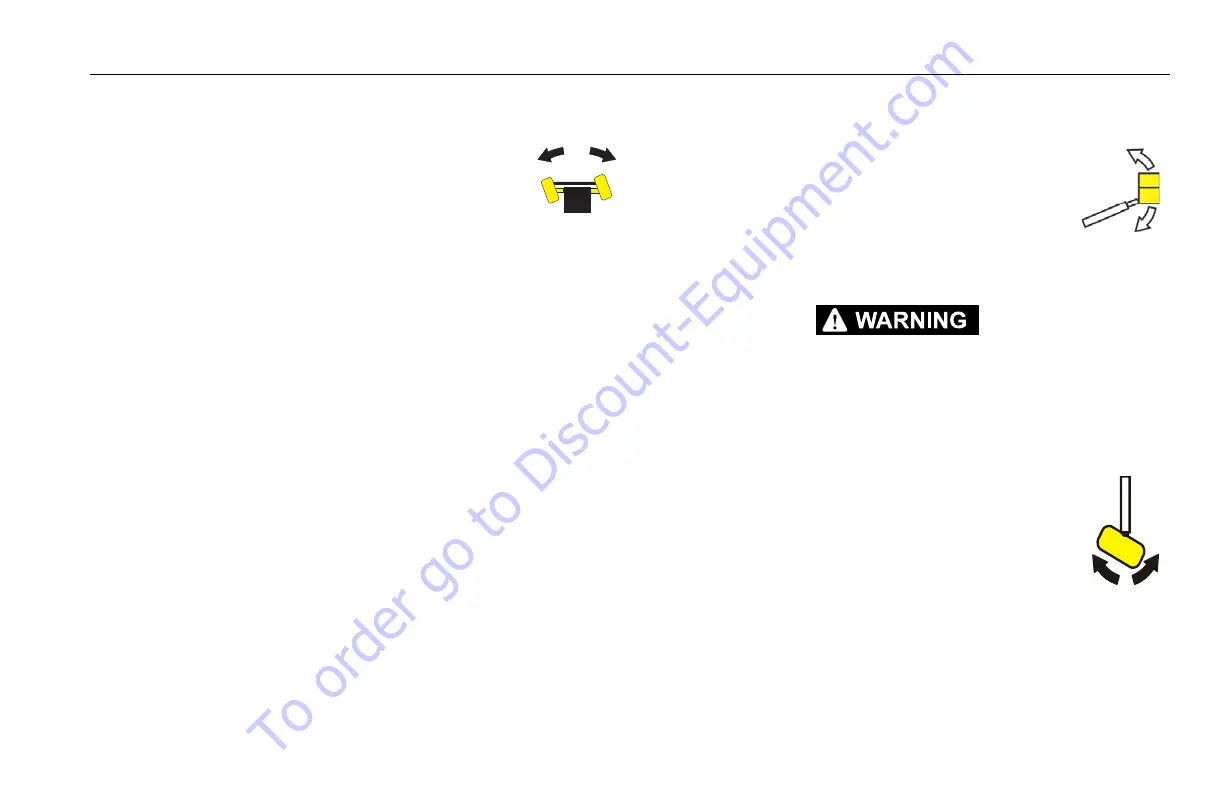
Depress footswitch, position thumb switch on
Drive/Steer controller to Right for steering right, or
to Left for steering left.
4.6 PLATFORM
Loading From Ground Level
1. Position chassis on a smooth, firm and level surface.
2. If total load (personnel, tools and supplies) is 500 LB. (227 kg
for ANSI markets and 230 kg for CE and Australia markets) or
less, distribute load uniformly on platform floor and proceed
to work position.
Loading From Positions Above Ground Level
Before loading weight to platform above ground level:
1. Determine what the total weight will be after additional
weight is loaded (personnel, tools and supplies).
2. If total weight in platform will be 500 LBS. (227 kg for ANSI
markets and 230 kg for CE and Australia markets) or less,
proceed with adding weight.
Platform Level Adjustment
1. Depress footswitch. To raise platform, position
Platform/Level control switch Up and hold
until platform is level.
2. Depress footswitch. To lower platform, posi-
tion Platform/Level control switch to Down
and hold until platform is level.
ONLY USE THE PLATFORM LEVELING OVERRIDE FUNCTION FOR SLIGHT LEVELING
OF THE PLATFORM. INCORRECT USE COULD CAUSE THE LOAD/OCCUPANT TO SHIFT OR
FALL. FAILURE TO DO SO COULD RESULT IN DEATH OR SERIOUS INJURY.
Platform Rotation
1. Depress footswitch. To rotate platform to the
left, Platform Rotate control switch is posi-
tioned to the Left and held until desired posi-
tion is reached.
2. Depress footswitch. To rotate platform to the
right, Platform Rotate control switch is posi-
tioned to the Right and held until desired position is
reached.
To order go to Discount-Equipment.com


 To Next Page