Wired Controller DWCR2
13
3.7.2 This section left intentionally blank
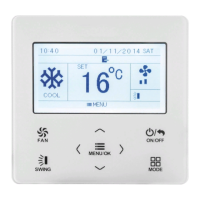
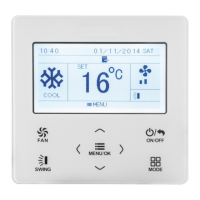
3.7.3 I-DEMAND Function Setting
After entering user function page, press “ ” “∧or ∨” button to select IDEMAND
function option and press “
<
” or “
>
” button to turn on or turn off this function with
auto saving.
Note:
① This function is only available in cooling mode.
② When this function is set, the set temperature is displayed as 81℉(27℃). In
this case, temperature setting and fan speed setting are shielded.
③ This function is canceled when turning off the unit or switching modes.
④ This function and sleep function cannot be on simultaneously. If I-demand
function is set first and then the sleep function is set, I-demand function is
canceled while sleep function is valid, and vice versa.







 To Next Page