Chapter 4 ADJUST MENU SETTINGS
4.8 COM PORT SETTING
4-38
The setting menu for "GPS(LL)" appears.
Selects on/off for the signal sentence.
Operate the same way for the other signals.
Type of sentence
GPS(LL): GGA/RMC/RMA/GNS/GLL
GPS(COG/SOG): RMC/RMA/VTG
Heading: THS/HDT/HDG/HDM/VHW
Depth: DPT/DBS/DBT/DBK
Wind: MWV/VWT/VWR
WPT: RMB/BWC/BWR
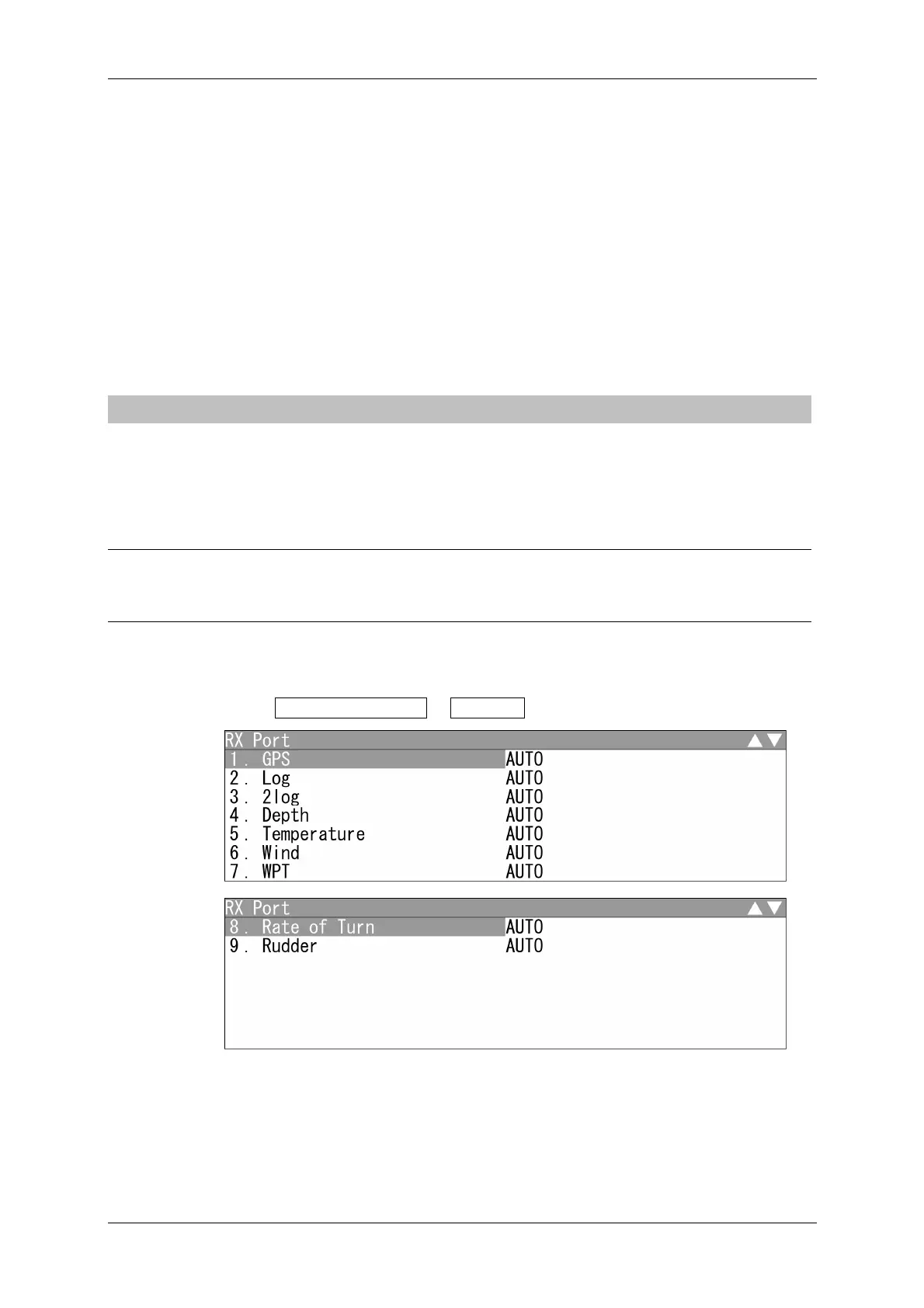
4.8.3 RX PORT
Set the number of the port via which signals are received from sensors.
There are two methods for receiving signals: specifying a port for each sensor, or using
the automatic recognition function without specifying ports.
Reference:
When the automatic mode is selected, you can connect to any port for operation.
Setting RX Port
1 Open COM Port Setting - RX Port .
"RX Port" menu appears.


 To Next Page
 Loading...