Chapter 4 ADJUST MENU SETTINGS
4.9 GPS
4-57
4
NSTALLATION MANUAL
4.9.5 LORAN SETTING
"LORAN Setting" operations
Sets the LORAN.
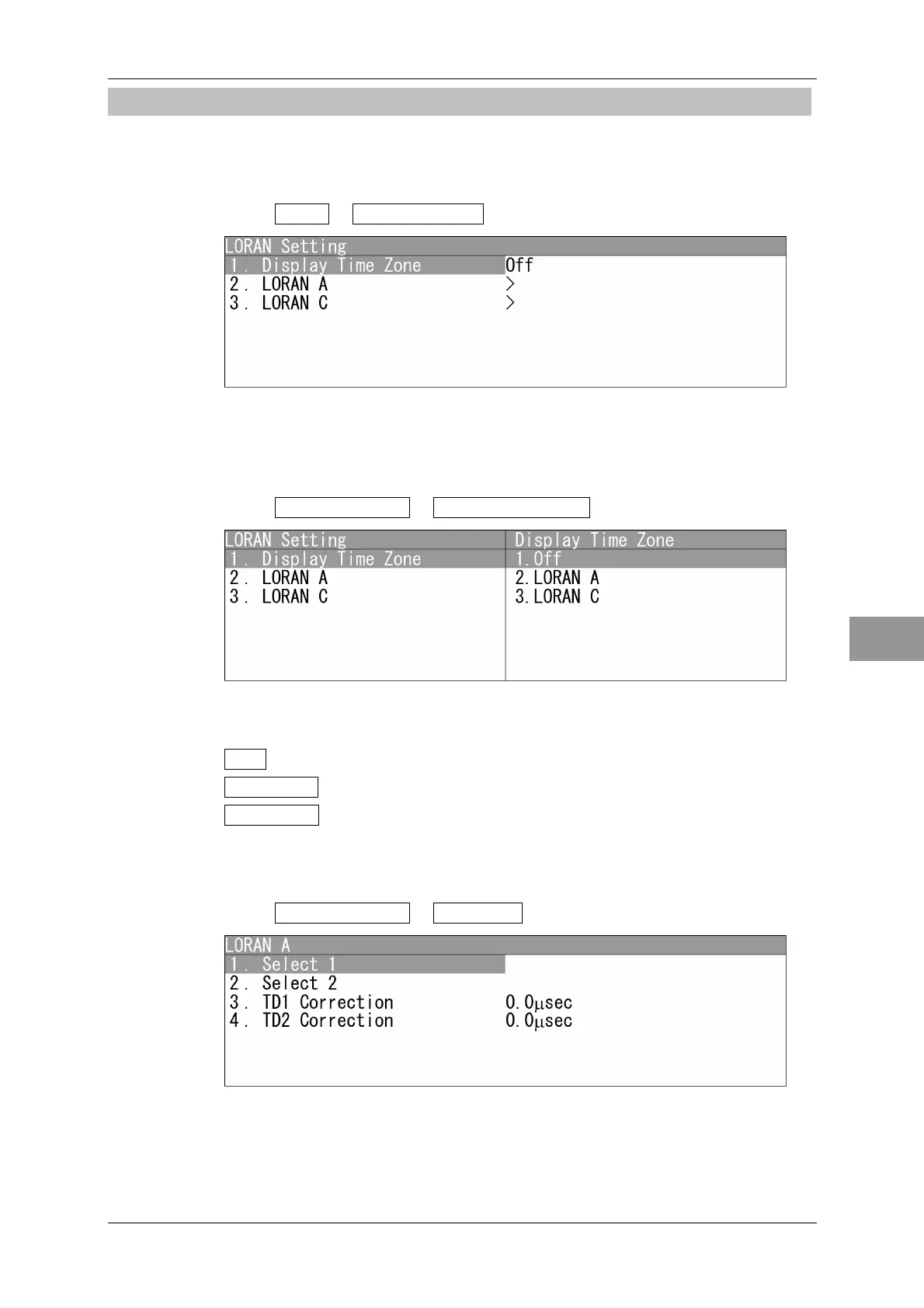
1 Open GPS - LORAN Setting .
"LORAN Setting" menu appears.
Display Time Zone Setting
Sets the time differences.
1 Open LORAN Setting - Display Time Zone .
"Display Time Zone" menu appears.
Off : Turns off the LORAN setting.
LORAN A : Sets the LORAN A.
LORAN C : Sets the LORAN C.
LORAN A
Sets the LORAN A.
1 Open LORAN Setting - LORAN A .
"LORAN A" menu appears.
After setting, open "4. Send Data", and send the setting to the SBAS receiver.


 To Next Page
 Loading...