Chapter 4 ADJUST MENU SETTINGS
4.1 OPENING THE ADJUST MENU
4-1
4
NSTALLATION MANUAL
Chapter 4
ADJUST MENU SETTINGS
4.1 OPENING THE ADJUST MENU
This section describes the operations of Adjust Menu.
Keys for operation
[MENU] key
Cursor keys
[MULTI] control
[CLEAR] key
[CLEAR] key
Press the [CLEAR] key to return to the upper level.
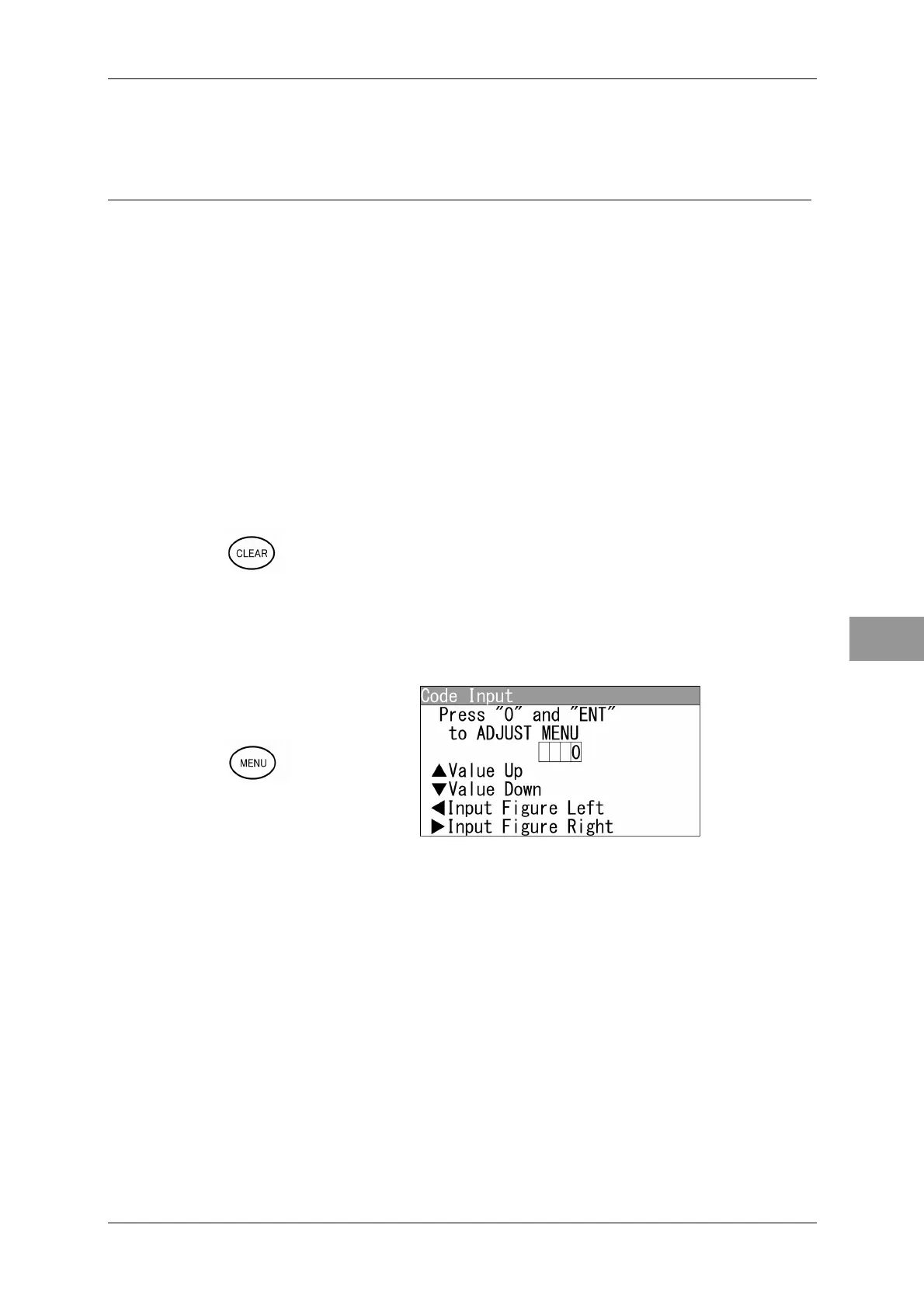
"Adjust Menu" Operations (Example: Opening "Basic Adjustment")
1 Hold down the [MENU] key.
"Code Input" screen appears.



 To Next Page