Chapter 4 ADJUST MENU SETTINGS
4.1 OPENING THE ADJUST MENU
4-2
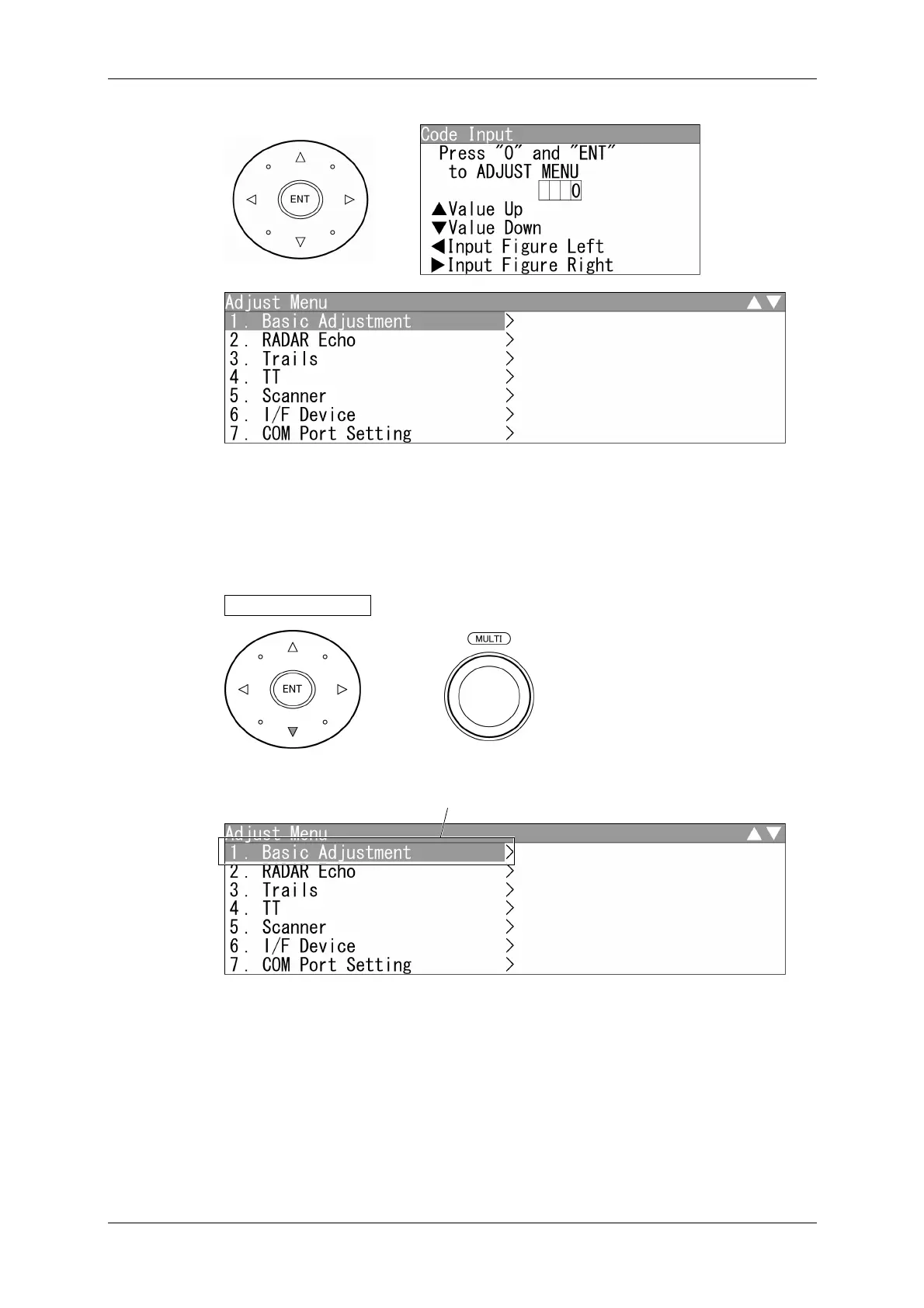
2 Press the [ENT] key.
"Adjust Menu" screen appears.
Select one of the menu items with ">" mark, then press the [ENT] key to display the
submenu.
3 Press the cursor key (down) or turn the [MULTI] control (clockwise) to select
Basic Adjustment .
"Basic Adjustment" is colo
-inverted.



 To Next Page