Product description
17
5.3.1 Key description
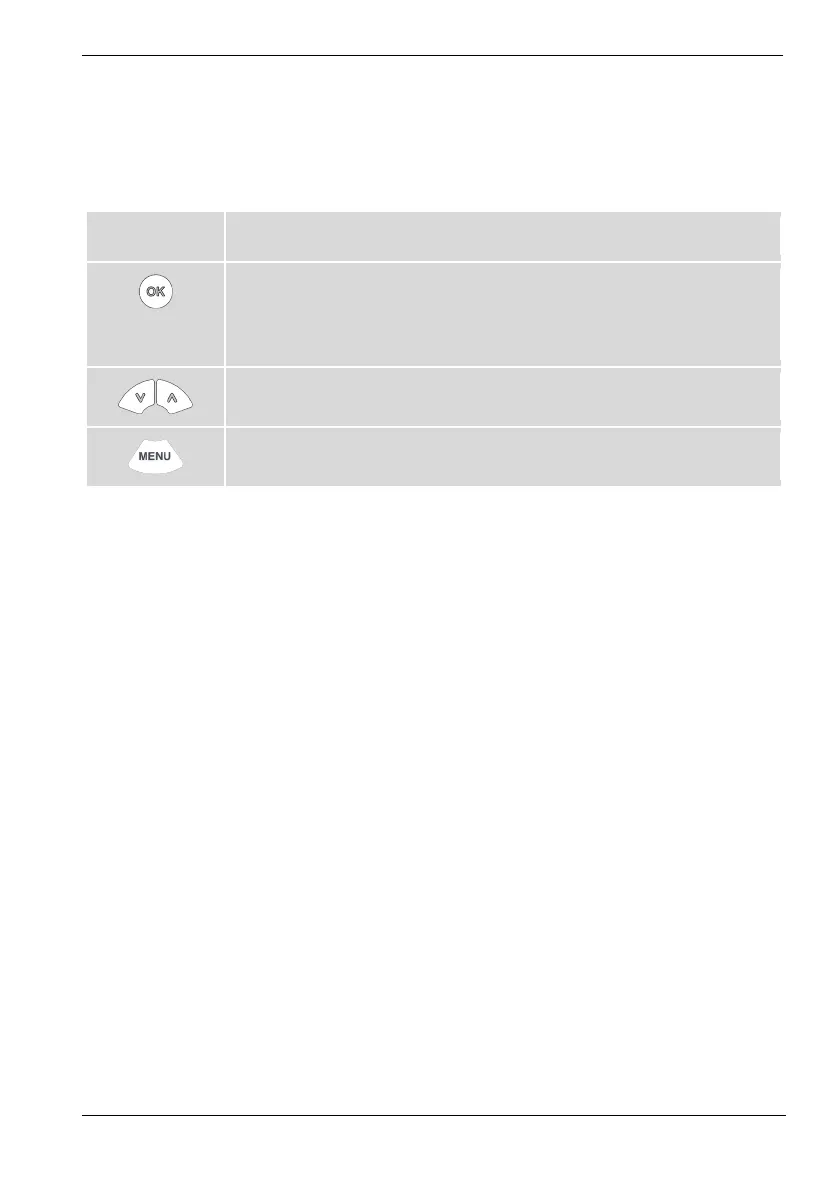
The device is operated using the key panel. This is used to control all menu
functions and make entries.
Key Function
The [OK] key is used to start a temperature control application or to stop a
running temperature control application.
The [OK] key enables a selected function, opens a menu option, or confirms a
set value.
Use the arrow keys to navigate in the main menu, select a function, or set a
value. Short press for single steps, press and hold for fast counting.
The [MENU] key is used to bring up main menu, to undo an entry, or to jump
back one step in the menu.









 To Next Page