Menu functions
56
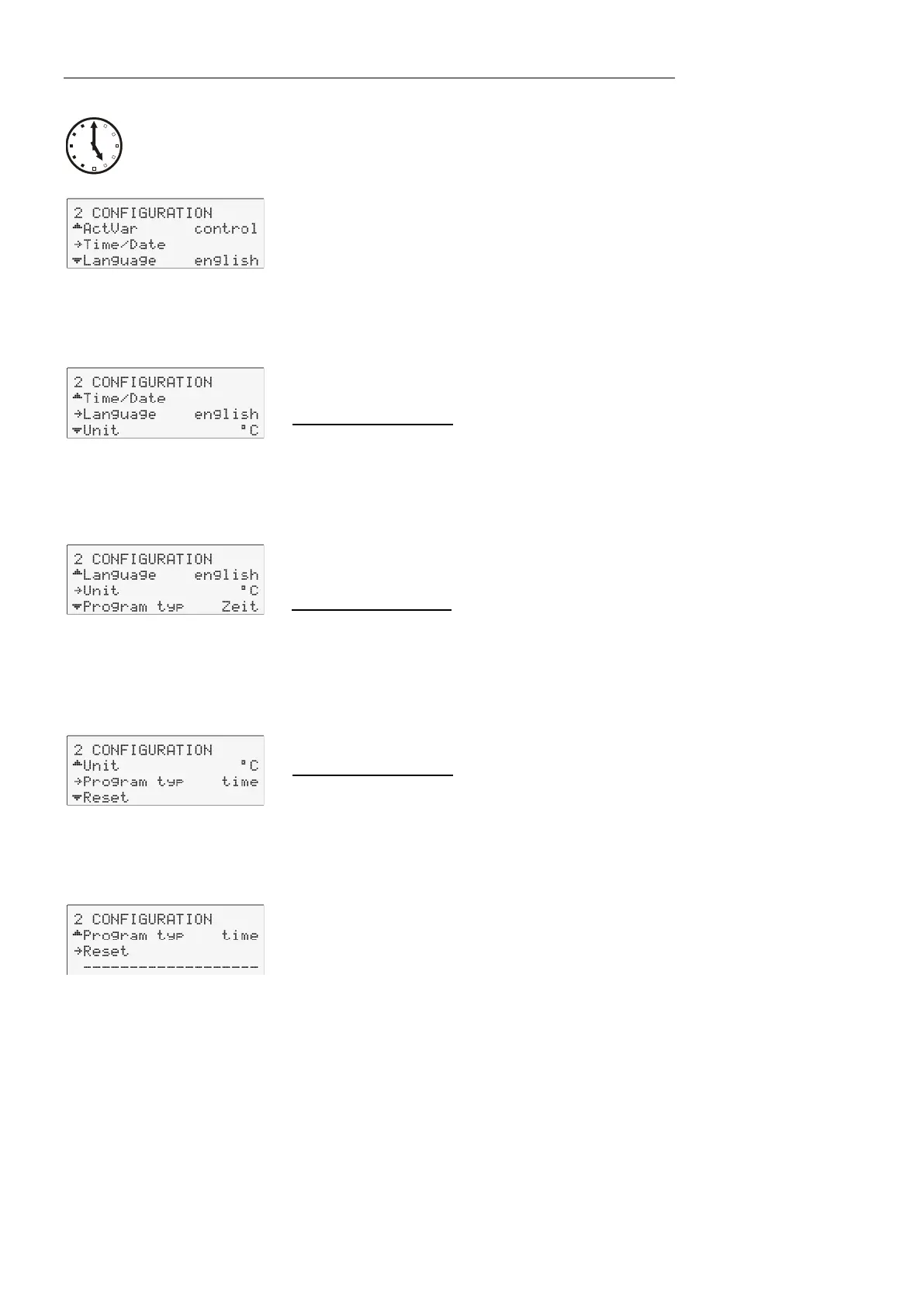
9.4.6. Setting of clock and date
The internal real time clock allows starting a program any time. The clock
is set to the local mean time (MEZ) at the factory.
If the unit is operated in a different time zone, the clock can be
adjusted in this menu.
Change summer/winter time in this menu
9.4.7. Language
There are two options for the language of the LCD DIALOG-DISPLAY:
German and English.
Possible parameters:
deutsch / english
9.4.8. Unit
Temperature values can be displayed in °C or °F.
With this change, all adjusted temperature values are converted and
displayed in the new unit.
Possible parameters:
°C (factory setting)
°F
9.4.9. Program type
A program can be created with the parameters time or gradient.
Possible parameters:
time (factory setting)
Grd (Gradient) [°/t] = [°/min]
9.4.10. Reset
A Reset will return all values to factory setting except for date and time.
A Reset can be effected in the >OFF< mode only.


 To Next Page