6. Delete the ZTP conguraon. Factory default conguraons can vary over dierent releases. You
may see a message that the statement does not exist. Don’t worry, it’s safe to proceed.
{master:0}[edit]
root# delete chassis auto-image-upgrade
7. Add a password to the root administraon user account. Enter a plain-text password, an encrypted
password, or an SSH public key string. In this example, we show you how to enter a plain-text
password.
{master:0}[edit]
root# set system root-authentication plain-text-password
New password:
password
Retype new password:
password
8. Acvate the current conguraon to stop ZTP messages on the console.
{master:0}[edit]
root# commit
configuration check succeeds
commit complete
9. Congure the hostname.
{master:0}[edit]
root# set system host-name
name
10. Congure the IP address and prex length for the management interface on the switch. As part of
this step, you remove the factory default DHCP seng for the management interface.
{master:0}[edit]
root# delete interfaces vme unit 0 family inet dhcp
root# set interfaces vme unit 0 family inet address
address/prefix-length
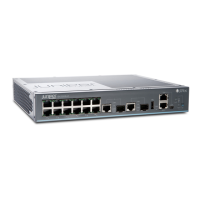
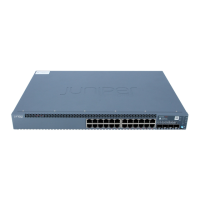
NOTE: The management port vme (labeled MGMT) is on the front panel of the EX2300
switch.
9



 To Next Page