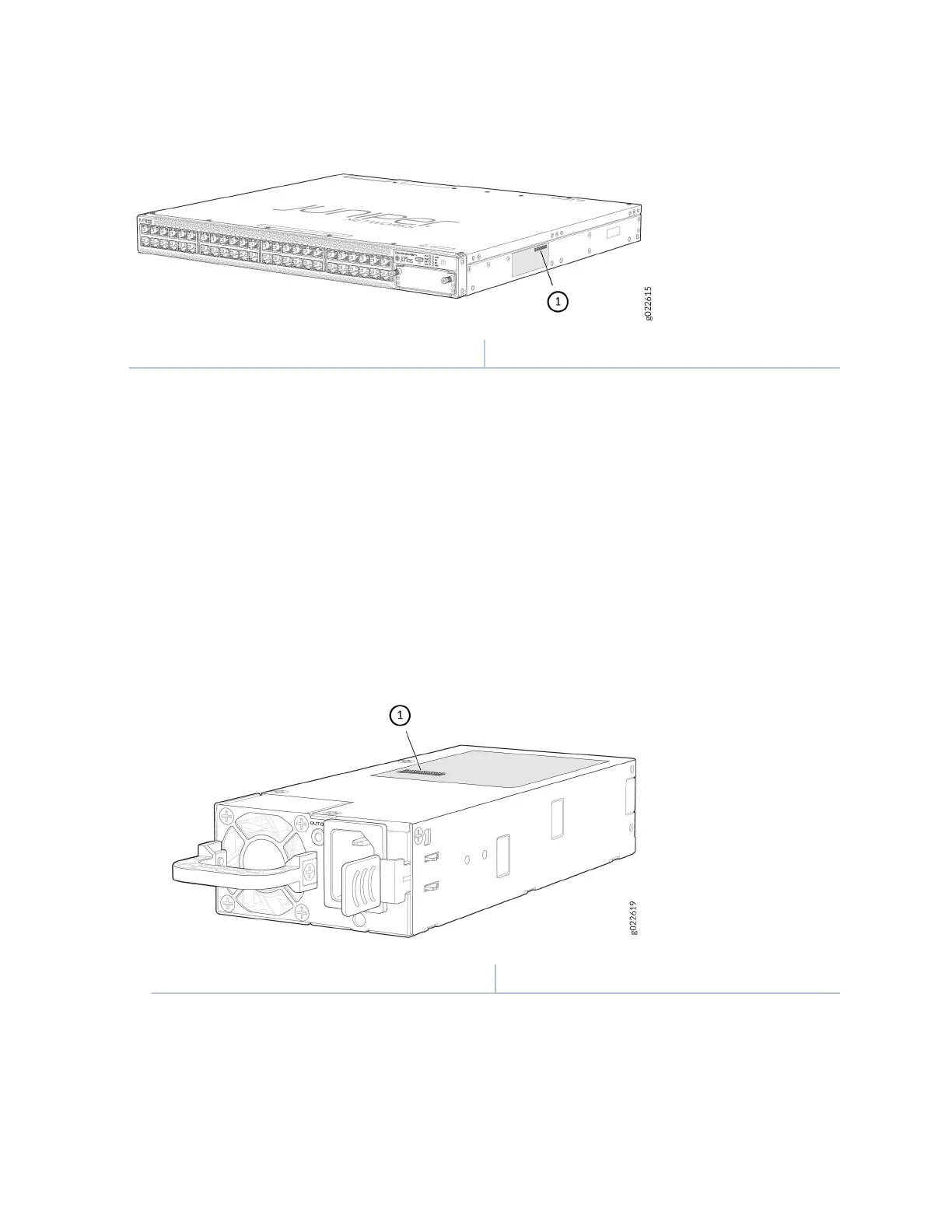
Figure 136: Locaon of the Serial Number ID Label on EX4400 Switches
1—
Serial Number ID Label
Locate the Serial Number ID Labels on FRUs in an EX4400 Switch
The power supplies, fan modules, and extension modules installed in EX4400 switches are eld-
replaceable units (FRUs). You must remove the FRU from the switch chassis to see its serial number ID
label.
•
Power supply
—The serial number ID label is on the top of the power supply (see Figure 137 on page
260, Figure 138 on page 261, Figure 139 on page 261, and Figure 140 on page 262).
Figure 137: Locaon of the Serial Number ID Label on the 550-W AC Power Supply Used in
EX4400 Switches
1
— Serial Number ID Label
260














 To Next Page