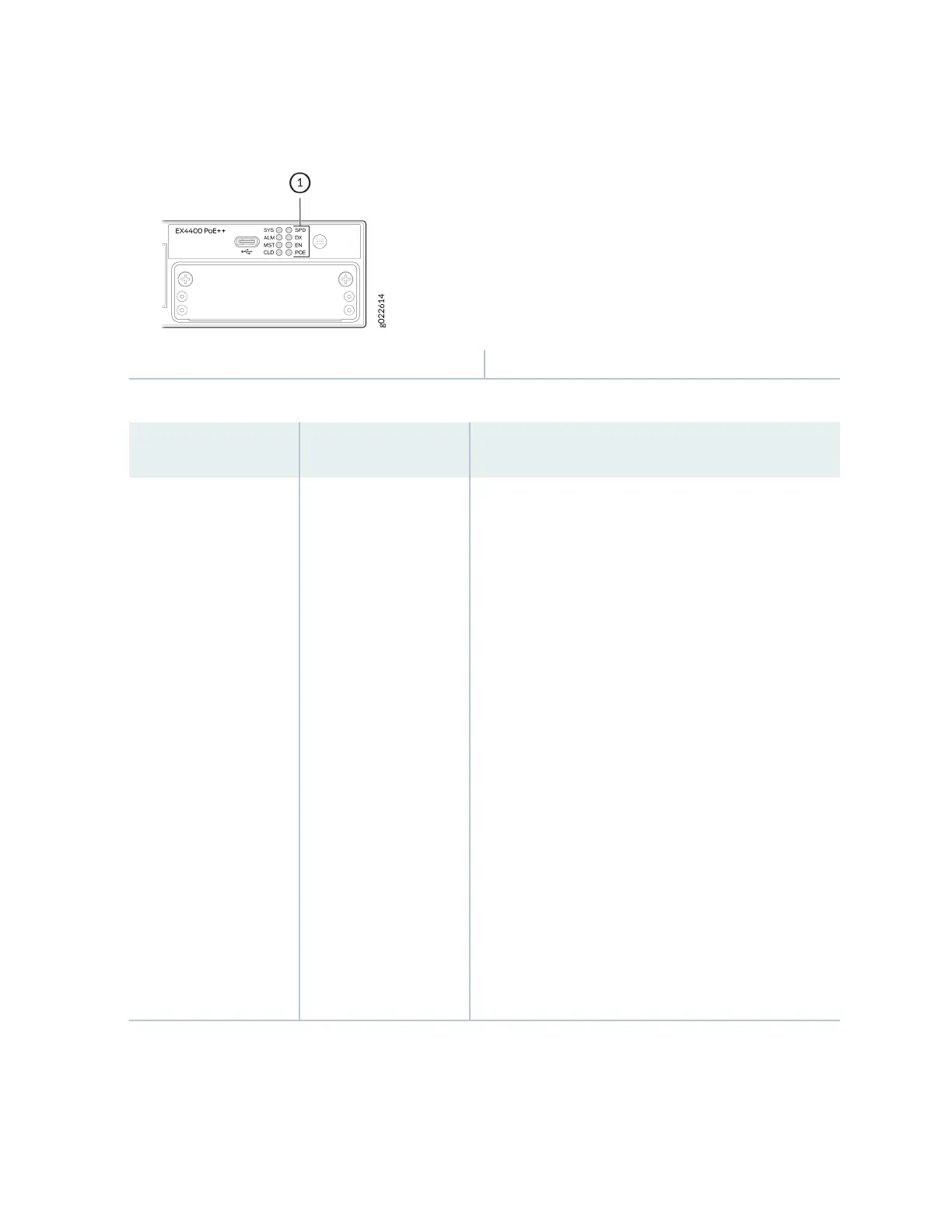
Figure 51: Port Mode LEDs on EX4400 Switches
1—
Port Mode LEDs
Table 36: Status LEDs on the RJ-45, SFP, and SFP+ Network Ports
LED Color State and Descripon
SPD Green Indicates the speed at which the RJ-45, SFP, and SFP+
network ports operate.
• The speed indicators for EX4400-24T, EX4400-24P,
EX4400-24MP, EX4400-48T, EX4400-48P, and
EX4400-48MP models are:
• On steadily—1000 Mbps
• Blinking—100 Mbps
•
Unlit—10 Mbps
•
The speed indicators for the SFP ports on the
EX4400-48F model are:
•
On steadily—1000 Mbps
•
Blinking—100 Mbps
• The speed indicators for the SFP+ ports on
EX4400-24X and EX4400-48F models are:
• On steadily—10 Gbps
• Blinking—1000 Mbps
70














 To Next Page