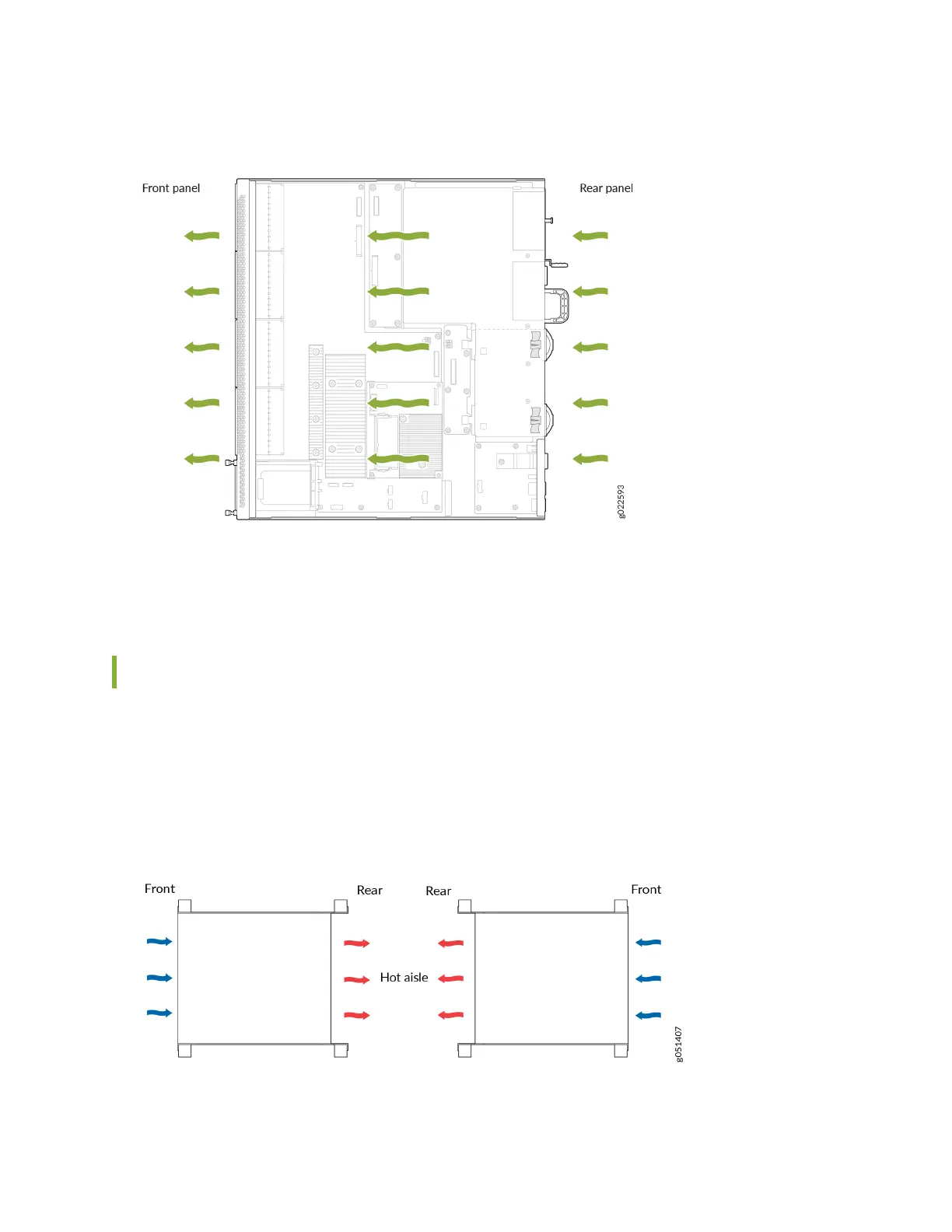
Figure 71: Back-to-Front Airow Through an EX4400-48F Switch Chassis
Mixing components with dierent airow direcons in the same chassis hampers the performance of
the cooling system of the switch and leads to overheang of the chassis.
How to Posion the Switch
Posion the switch with front-to-back airow in such a manner that the AIR OUT labels on the fan
modules and power supplies are next to the hot aisle (see Figure 72 on page 87).
Figure 72: Deployment of Switches with Front-to-Back Airow Through the Switch Chassis
87














 To Next Page