Adjust the Hand Strap
A hand strap is included with the Mesa. It is aached to the le
side of the Mesa along with a stylus, leaving your right hand
free to operate the Mesa. Put your hand between the strap
and the Mesa from the front and adjust the hand strap to t
securely against the back of your hand.
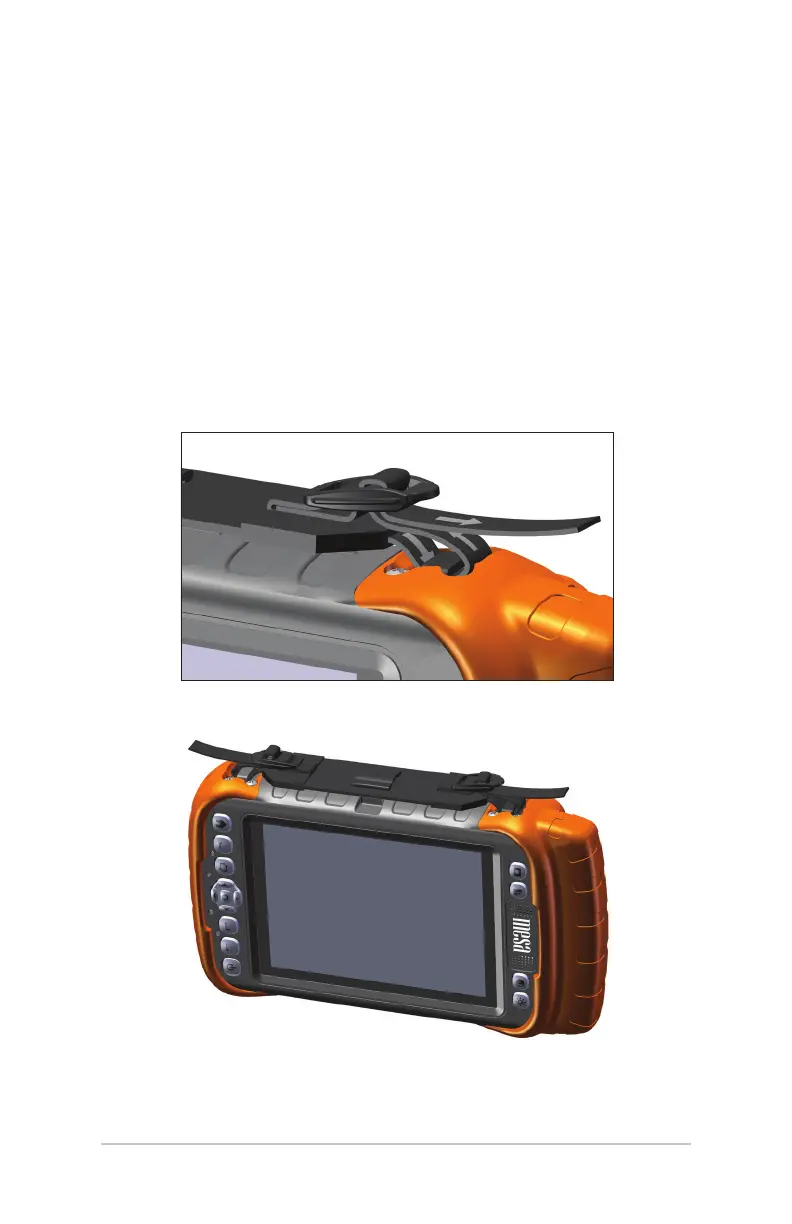
You can move the hand strap to dierent locations to meet your
needs. There are four hand strap tethers (one on each corner).
Your hand strap can be aached and threaded in a manner
similar to the method shown in the following drawings:
Ch 1 Getting Started 13



 To Next Page